Understand the selected storage scope
Measured categories, folders, files and available application footprints help explain what the authorised scan can observe. Coverage gaps remain visible rather than being treated as empty storage.
All apps / Mac Storage Intelligence
software by erehwon.
Understand your storage.
See what uses space on your Mac, explore scanned folders, compare storage changes and review evidence before taking cleanup action.
Move from a storage total to the files behind it. Scan an authorised folder or drive, explore the indexed results and understand where the measurements come from before deciding what to change.
See it in action Help & supportA$11.99
One-time purchase · AUD
Includes GST for Australian purchases.
Secure checkout with Stripe.
Downloads open after the final checkout and release checks.
Actual app screens with demonstration data.
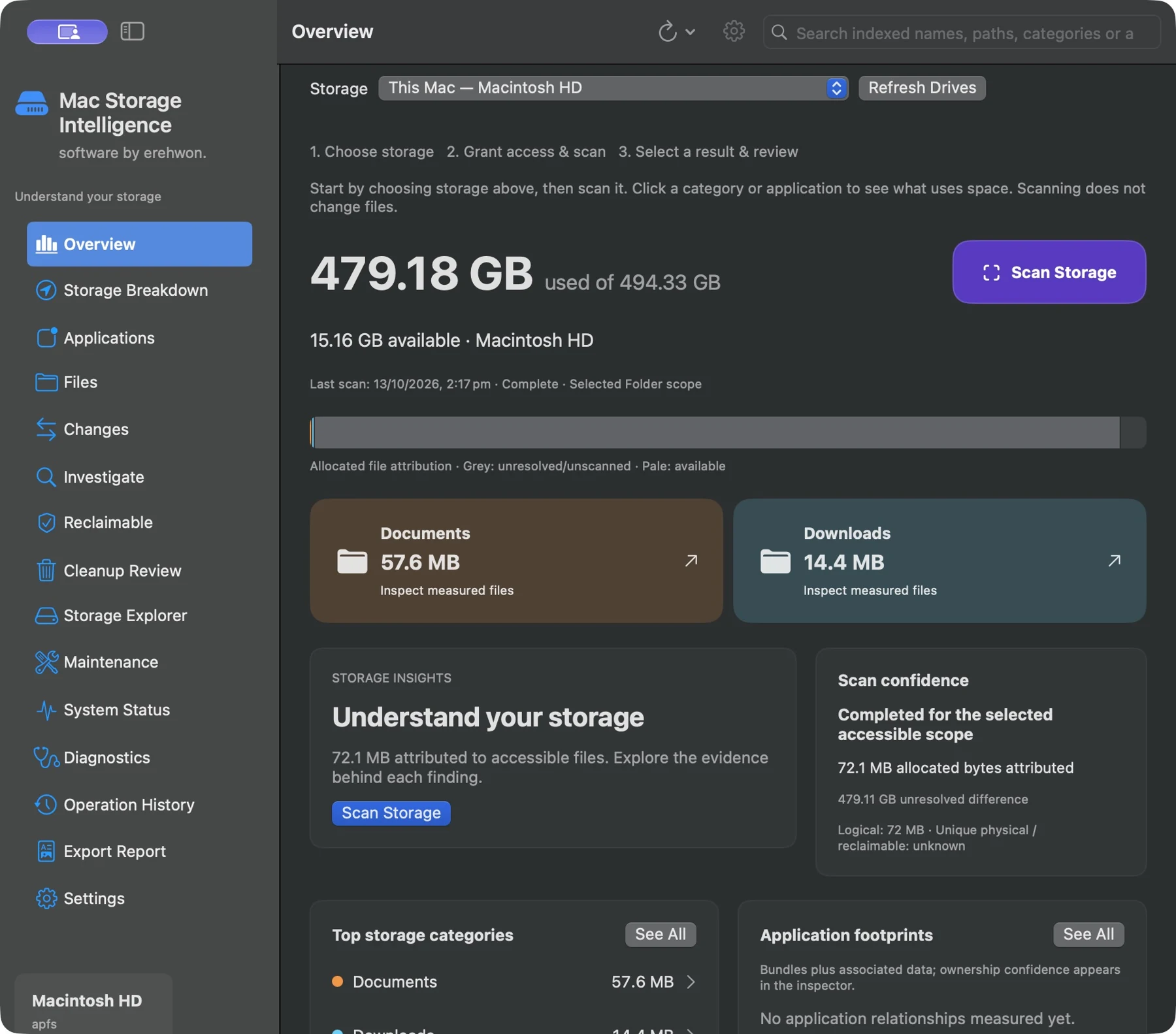
A folder scan measures the selected accessible scope, not the entire volume. APFS shared blocks, snapshots, protected locations and filesystem overhead can make file attribution differ from volume usage. Reclaimable space is not a guaranteed saving. Partial scans are marked and are not complete comparison baselines.
The feature list describes the available tools. These examples explain how they support a practical workflow, what to review and where the limits matter.
Measured categories, folders, files and available application footprints help explain what the authorised scan can observe. Coverage gaps remain visible rather than being treated as empty storage.
Search indexed names and paths and inspect large files or storage relationships to identify useful next steps. Category totals do not by themselves identify files that are safe to delete.
Compare compatible completed scans of the same scope to understand observed growth or removal. Scan history describes sampled observations, not continuous monitoring.
Inspect duplicate evidence and proposed cleanup selections before acting. Local history and exported reports help retain an account of the measurements and their limitations.
Use the compatibility, access and limitation information on this page when choosing a workflow. Sample screenshots illustrate the app; their records and measured results are not a scan of your own Mac.