Find a file without connecting every drive
A saved catalogue supports offline filename and path search. It records observations and metadata, not a replacement copy of the files stored on the drive.
All apps / HDD Catalogue
Utilities · Mac
Catalogue connected drives, search their recorded contents offline and label each drive with a printable QR code.
A$15.99
One-time purchase · AUD
Includes GST for Australian purchases.
Secure checkout with Stripe.
Downloads open after the final checkout and release checks.
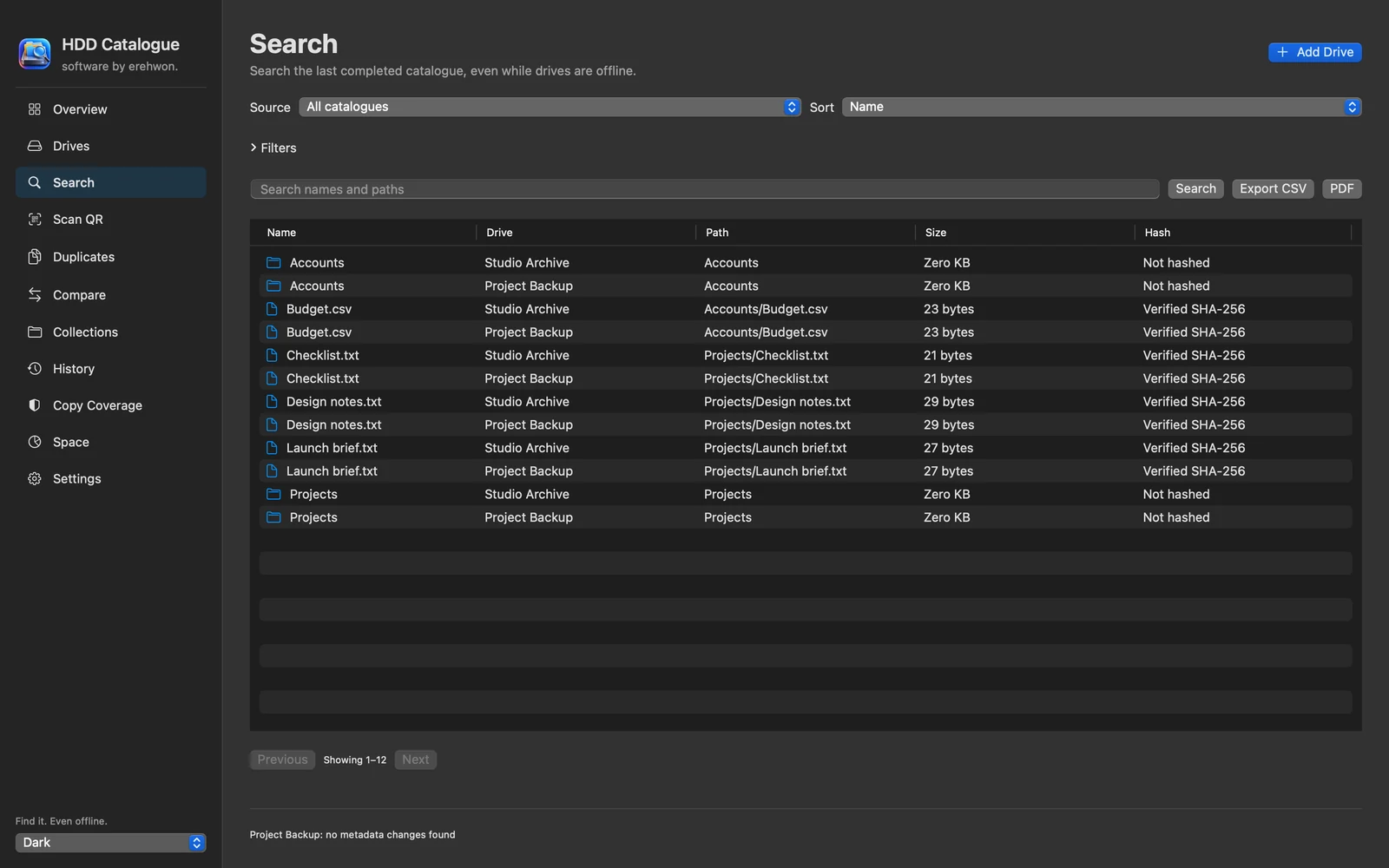
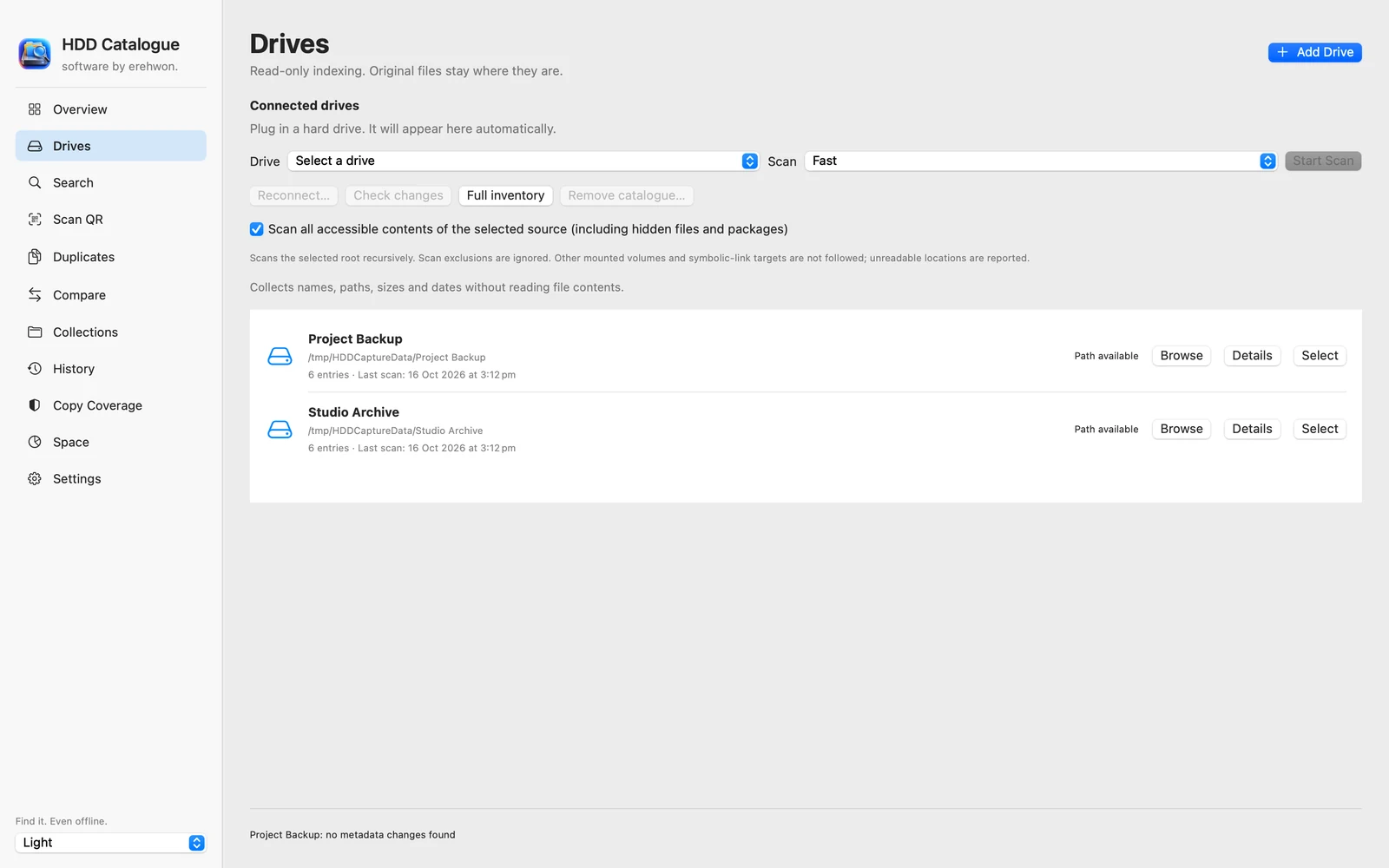
Choose your task, follow the numbered steps and review the result. You can hide instructions or turn off the startup walkthrough in Settings.
Recorded filenames, paths, hashes, drive identities and labels stay local. Camera input is used for QR scanning. Exported catalogues can contain private metadata.
Offline records describe the last completed scan. Hash matches are recorded evidence; reconnect and verify current originals before relying on copies.
The feature list describes the available tools. These examples explain how they support a practical workflow, what to review and where the limits matter.
A saved catalogue supports offline filename and path search. It records observations and metadata, not a replacement copy of the files stored on the drive.
Stable drive identity, names, labels and QR labels help distinguish physical drives. Removing a saved catalogue does not erase the corresponding drive.
Incremental scans, snapshots and change counts help identify added, changed or missing entries. Interrupted resume requires source checks and compatible access.
Recorded duplicates, copy coverage, category summaries and supported exports help plan storage work. Only the relevant verified content evidence should be used to assess copies; metadata alone is not proof of identical contents.
Use the compatibility, access and limitation information on this page when choosing a workflow. Sample screenshots illustrate the app; their records and measured results are not a scan of your own Mac.