Keep a specific task awake
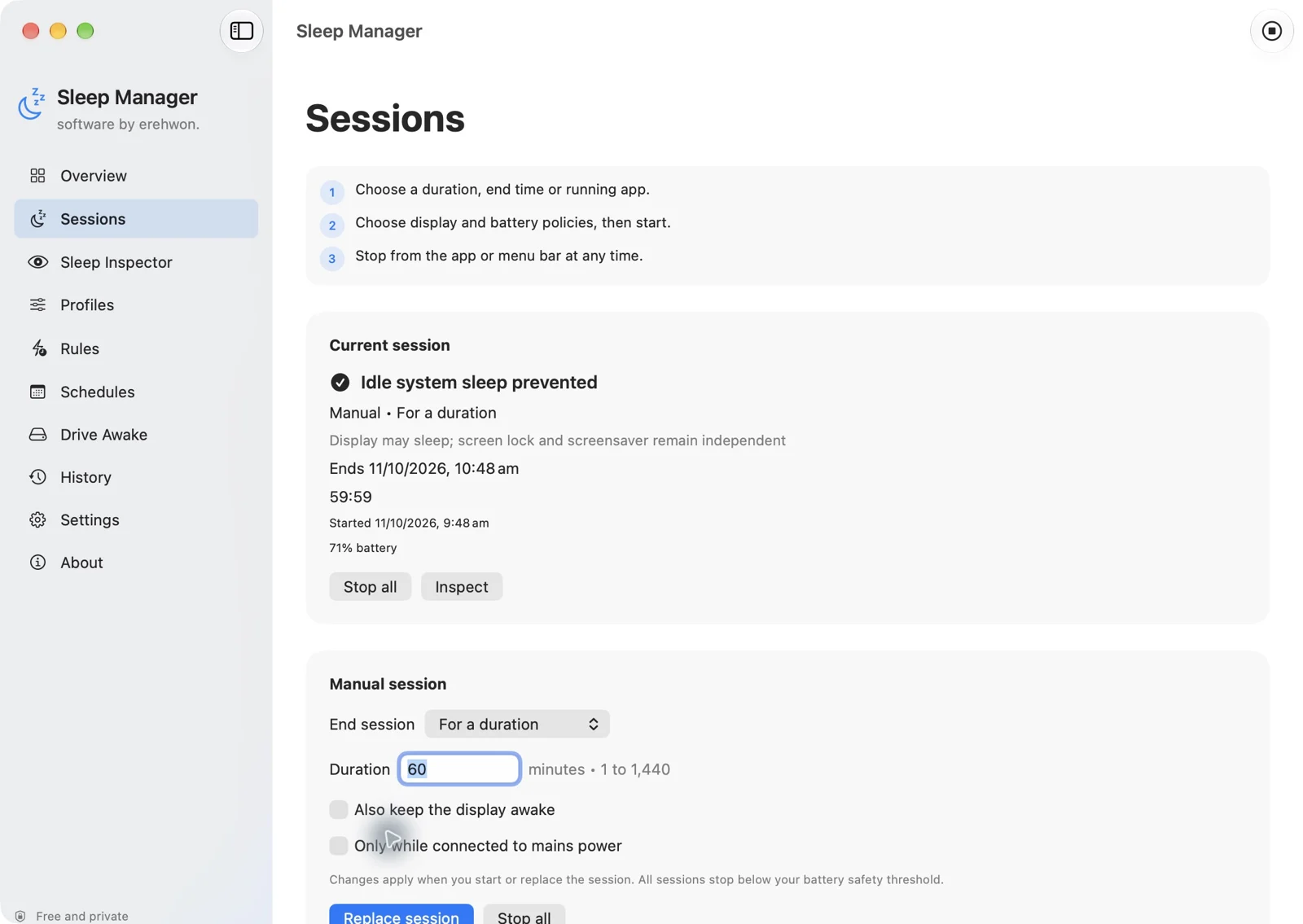
Timed, until-time, indefinite and running-app sessions help manage idle system/display sleep for a chosen purpose. Stop a session from the app or menu bar when it is no longer needed.
All apps / Sleep Manager
Utilities · Mac
Keep your Mac awake for downloads, presentations and focused work, with timed sessions and battery safeguards.
Free
Free download
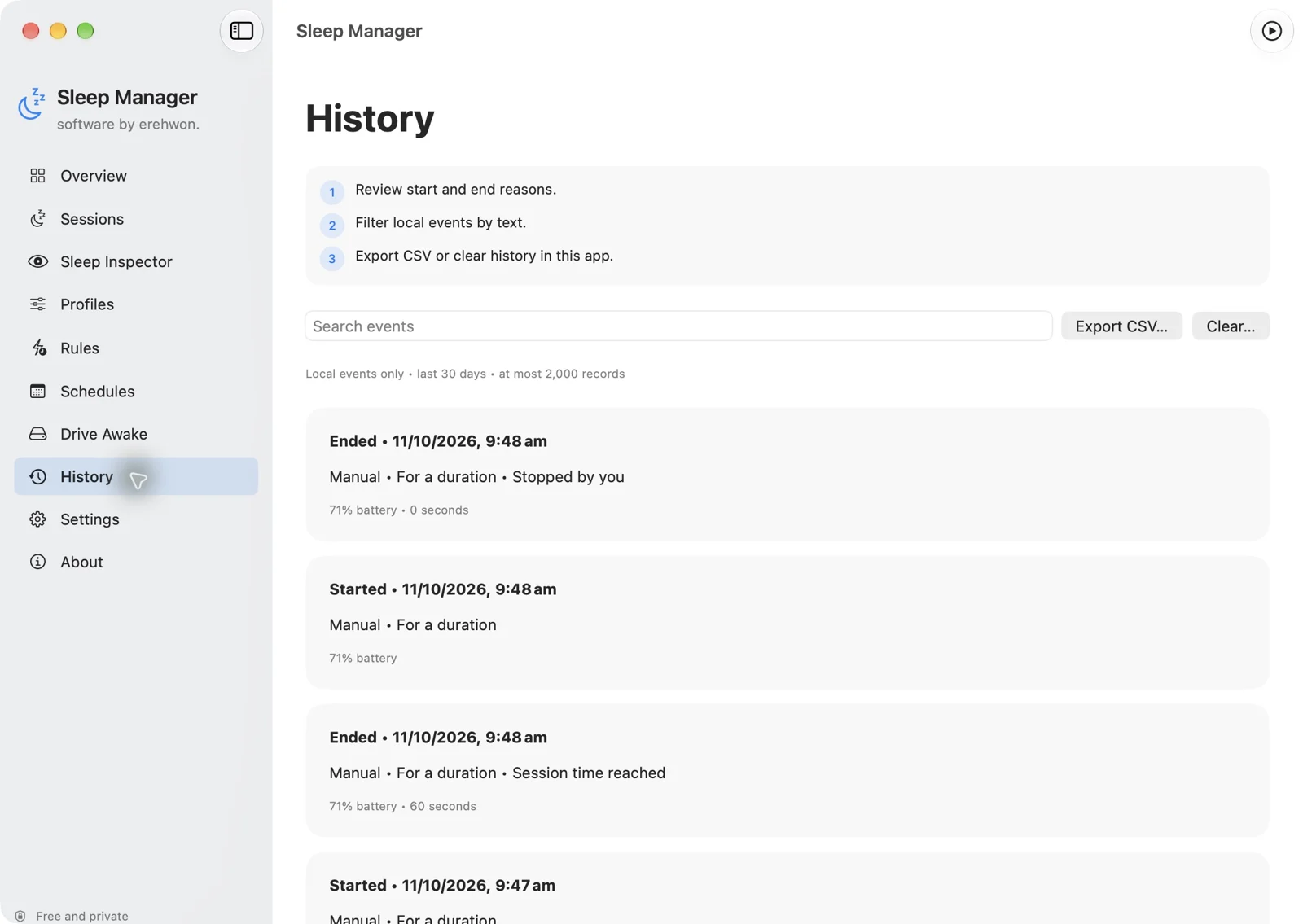
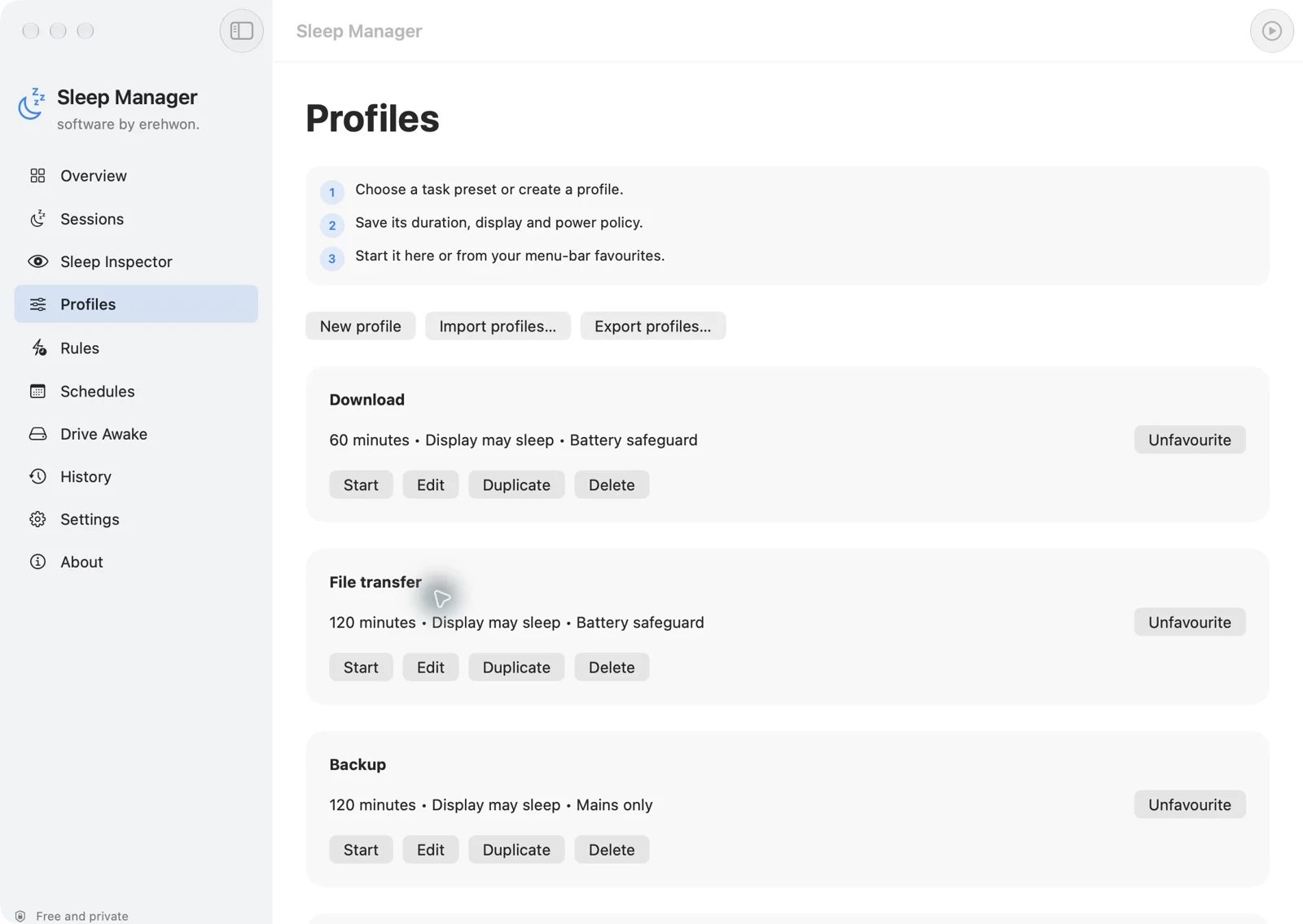
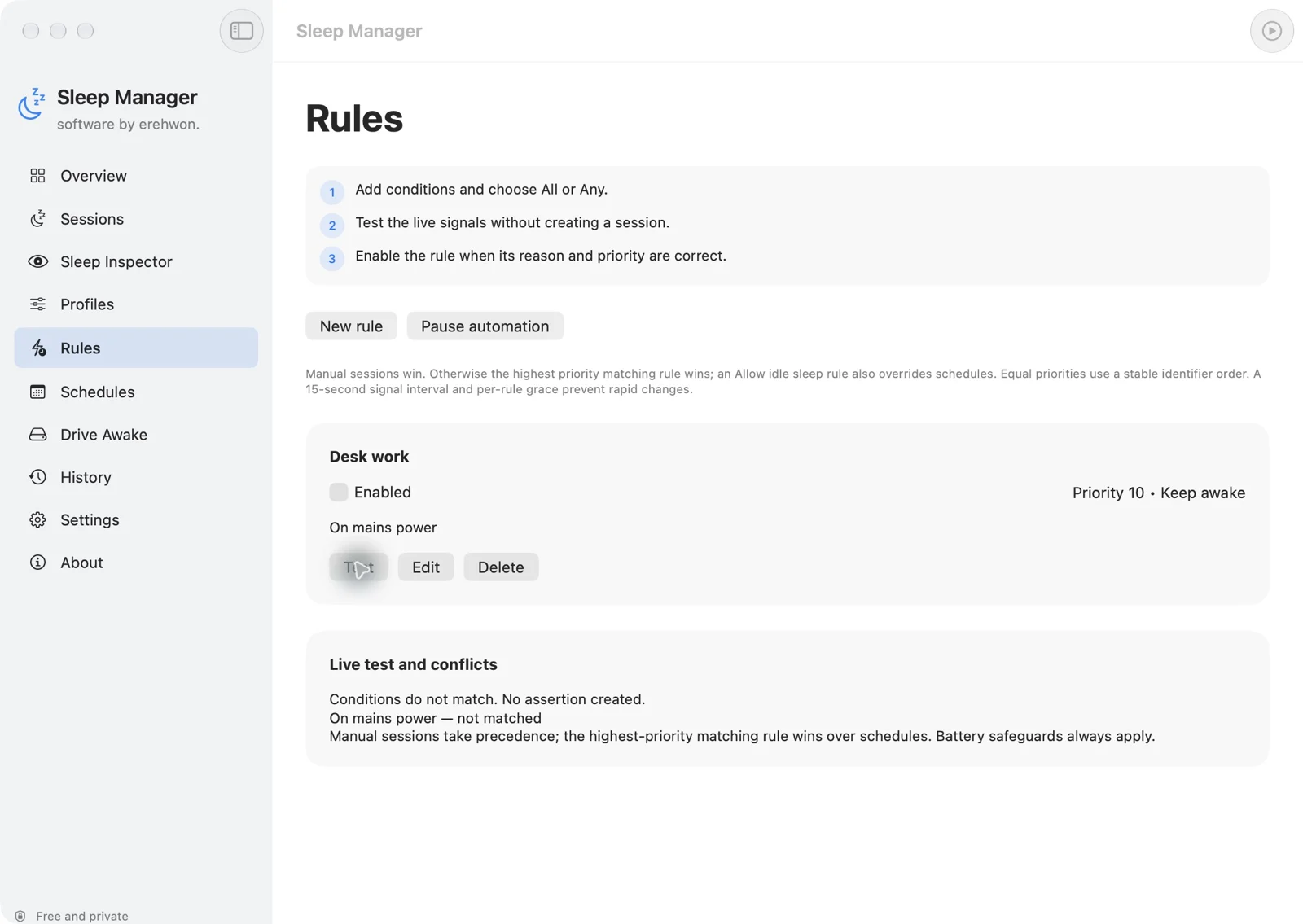
You can hide numbered instructions and switch off the welcome and startup tour independently in Settings.
Power observations, app and device signals, profiles, rules and session history stay on your Mac. No account, app analytics or cloud service. Optional drive activity reads up to 4 KB of a user-selected file without modifying it. Notifications and launch at login are optional.
Controls idle sleep only; it does not bypass lid-close sleep, screen locking, manual Sleep or critical battery protection. Schedules require Sleep Manager to be running and do not wake a powered-off Mac. macOS reports may be incomplete. Drive caching and firmware can limit the effect of read-only activity. Wi-Fi identity, Bluetooth and VPN triggers are excluded.
This free app has no subscription or in-app purchase.
The feature list describes the available tools. These examples explain how they support a practical workflow, what to review and where the limits matter.
Timed, until-time, indefinite and running-app sessions help manage idle system/display sleep for a chosen purpose. Stop a session from the app or menu bar when it is no longer needed.
Battery thresholds and mains-only policies help avoid leaving an unsuitable session running. These controls do not prevent shutdown, forced sleep or every system interruption.
Editable profiles, weekly schedules and AND/OR rules support repeated tasks. Priority, grace periods and dry-run testing help inspect a rule before relying on it.
Sleep Inspector, local history, exports and available macOS reports help investigate observations. Optional external-drive activity is read-only and conservative, not a guarantee that every active workload will be detected.
Use the compatibility, access and limitation information on this page when choosing a workflow. Sample screenshots illustrate the app; their records and measured results are not a scan of your own Mac.