Choose folder or Photos review
Authorise a folder or optionally connect Apple Photos through PhotoKit. Available actions depend on the selected source and macOS permission.
All apps / Photo Library Cleaner

Photography · Mac
Review a media folder or Apple Photos library, compare similar images and export smaller copies without replacing originals.
A$15.99
One-time purchase · AUD
Includes GST for Australian purchases.
Secure checkout with Stripe.
Downloads open after the final checkout and release checks.
Choose your task, follow the numbered steps and review the result. You can hide instructions or turn off the startup walkthrough in Settings.
Photo resources and local review history stay on your Mac. PhotoKit changes can sync through the user’s iCloud Photos account. No developer photo upload or app analytics.
Visual similarity is a suggestion, not an exact duplicate guarantee. iCloud-only assets and limited permission affect coverage. Original Photos packages are never edited directly.
The feature list describes the available tools. These examples explain how they support a practical workflow, what to review and where the limits matter.
Authorise a folder or optionally connect Apple Photos through PhotoKit. Available actions depend on the selected source and macOS permission.
Byte-verified resource groups provide different evidence from visual similarity suggestions. Inspect favourites, edits, video, Live Photo, screenshot and burst context before deciding.
Side-by-side inspection and protections help review selections. Photos changes use the system confirmation flow; folder actions use Trash rather than a promise of permanent recovery.
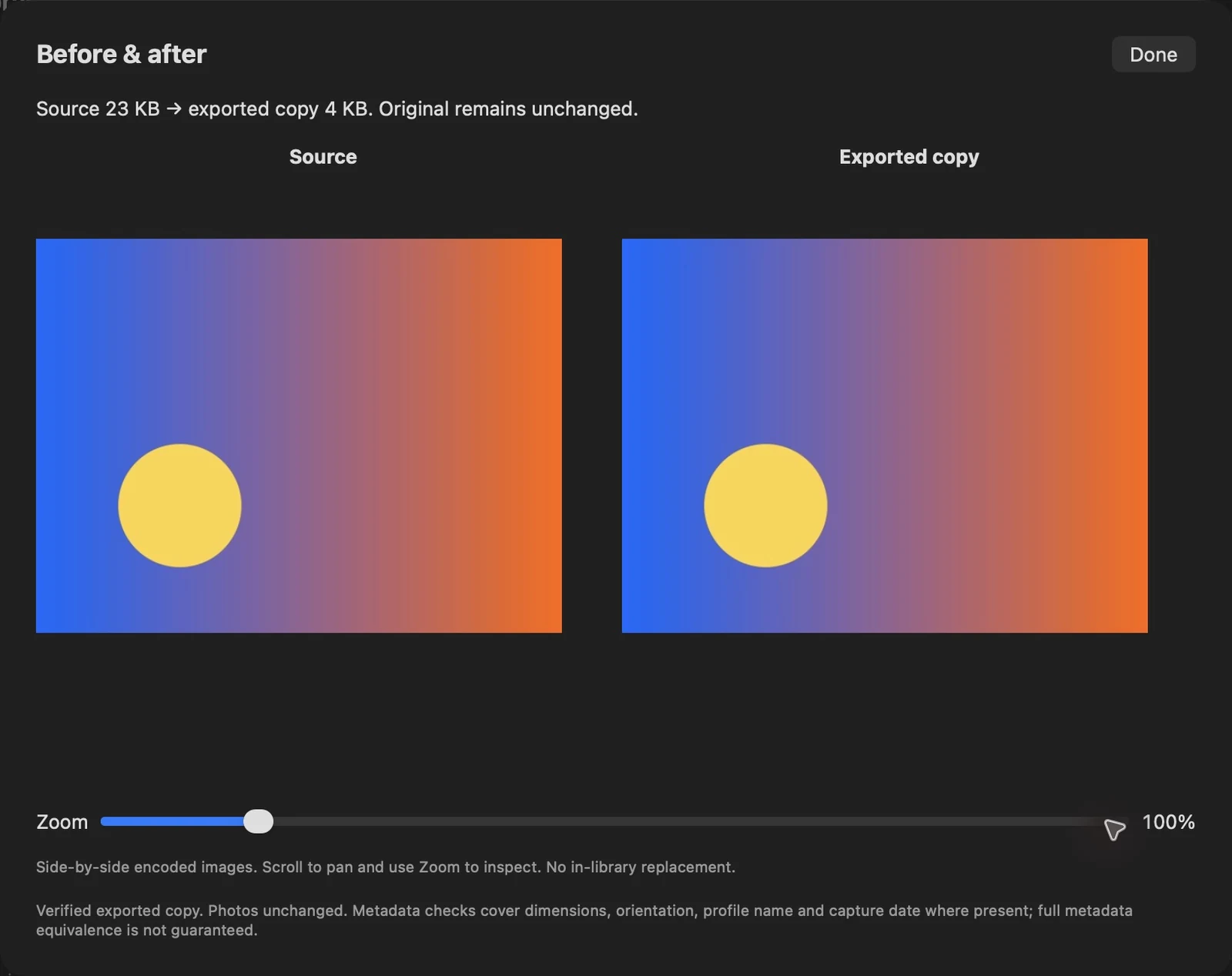
Compression previews, new-copy exports and measured sizes help evaluate alternatives without assuming that the original should be deleted. Library changes can require a rescan.
Use the compatibility, access and limitation information on this page when choosing a workflow. Sample screenshots illustrate the app; their records and measured results are not a scan of your own Mac.