Assemble a document for a specific task
Merge documents, select pages and change page order or orientation to prepare a new PDF. Preview the output and retain the original files for reference.
All apps / Ultimate PDF Toolkit
Productivity · Mac
Organise, optimise, protect and inspect PDFs in one native Mac workspace while preserving your original files.
A$7.99
One-time purchase · AUD
Includes GST for Australian purchases.
Secure checkout with Stripe.
Downloads open after the final checkout and release checks.
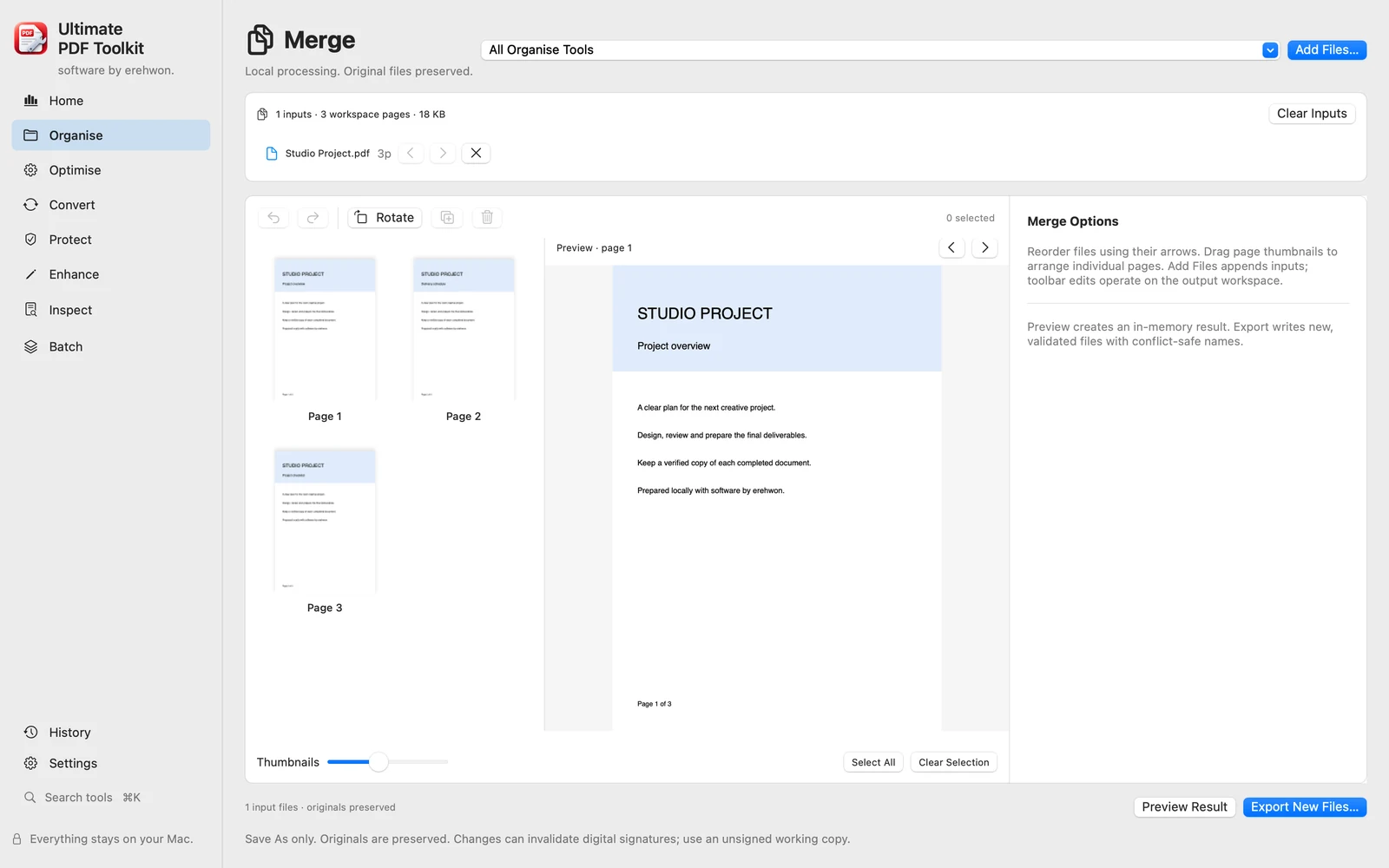
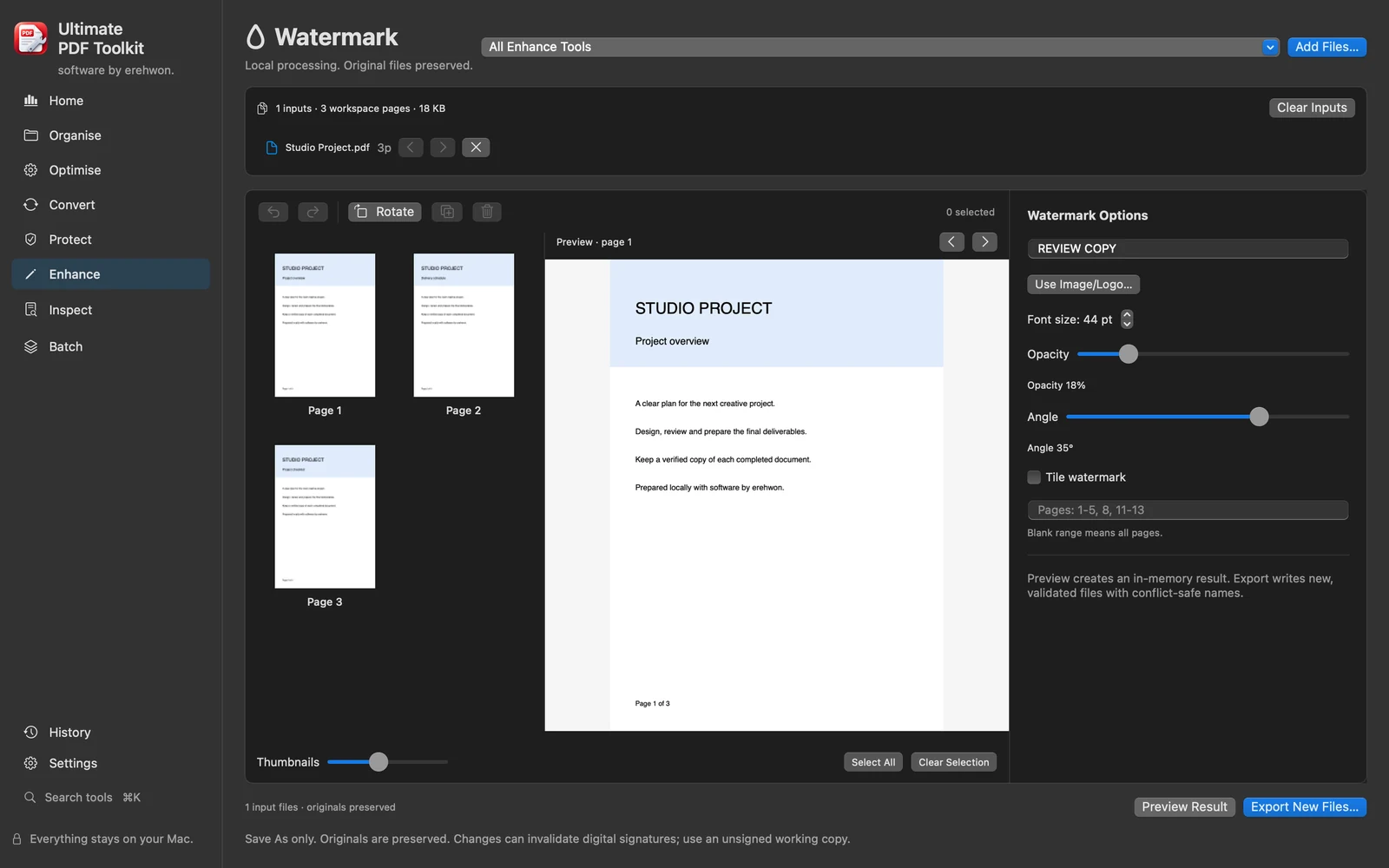
Choose your task, follow the numbered steps and review the result. You can hide instructions or turn off the startup walkthrough in Settings.
Documents, passwords and OCR processing stay local. The bundled security engine receives passwords through stdin. No app analytics or account.
Target-size compression reports the actual result and cannot guarantee every requested size. Rasterised operations can change text/searchability. Embedded QPDF engine must pass sandbox and nested-signing checks.
The feature list describes the available tools. These examples explain how they support a practical workflow, what to review and where the limits matter.
Merge documents, select pages and change page order or orientation to prepare a new PDF. Preview the output and retain the original files for reference.
Compression, target-size measurements, resizing, grayscale and N-up tools help prepare copies for sharing or printing. A requested file size cannot always be achieved without changing visible quality.
Import supported images or scanner output, run local OCR and export text or images where appropriate. Verify recognised text and scanner compatibility for your own documents and hardware.
Apply numbering, watermarks or supported password protection and review metadata and document comparisons. Rasterised redaction changes output structure and can affect searchability; inspect the exported copy carefully.
Use the compatibility, access and limitation information on this page when choosing a workflow. Sample screenshots illustrate the app; their records and measured results are not a scan of your own Mac.