Try sounds before enabling wider playback
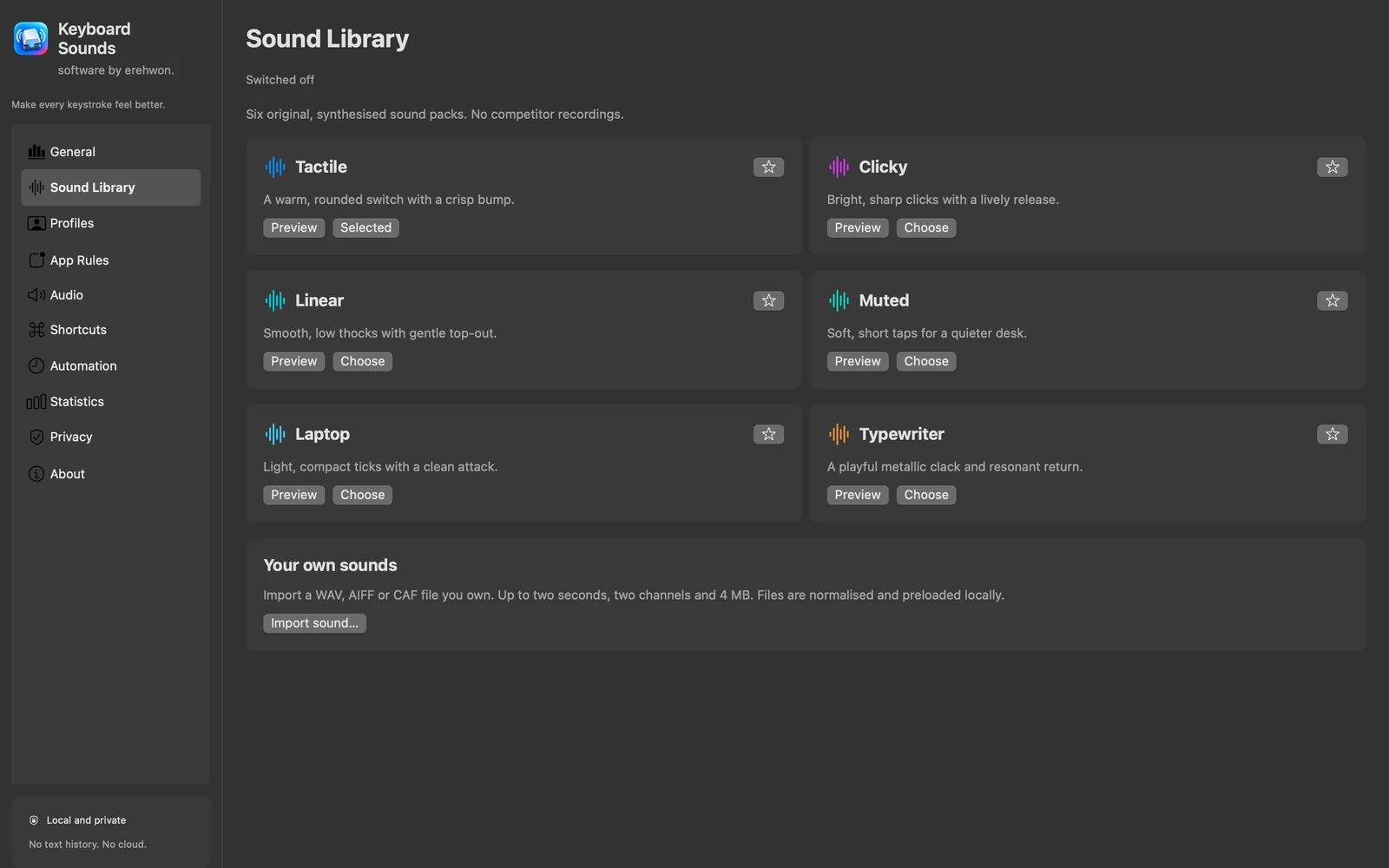
Preview six original synthesised packs and favourites in the local test pad. You can evaluate the sound without immediately enabling system-wide input access.
All apps / Keyboard Sounds
Utilities · Mac
Choose a sound pack, preview it locally and add optional system-wide keyboard sounds without recording typed text.
A$5.99
One-time purchase · AUD
Includes GST for Australian purchases.
Secure checkout with Stripe.
Downloads open after the final checkout and release checks.
Choose your task, follow the numbered steps and review the result. You can hide instructions or turn off the startup walkthrough in Settings.
Temporary hardware key categories trigger audio. Typed characters and key-event history are not recorded. No microphone access or app analytics.
System-wide playback depends on macOS Input Monitoring. Protected contexts and Secure Input can suppress playback. Sandbox and clean-install permission behaviour require release validation.
The feature list describes the available tools. These examples explain how they support a practical workflow, what to review and where the limits matter.
Preview six original synthesised packs and favourites in the local test pad. You can evaluate the sound without immediately enabling system-wide input access.
Profiles and per-app rules help tailor optional key-category playback. System-wide playback requires the relevant Input Monitoring permission and respects Secure Input.
Adjust volume and output preferences and use the confirmed-headphone preference where appropriate. Recheck the chosen output device when your setup changes.
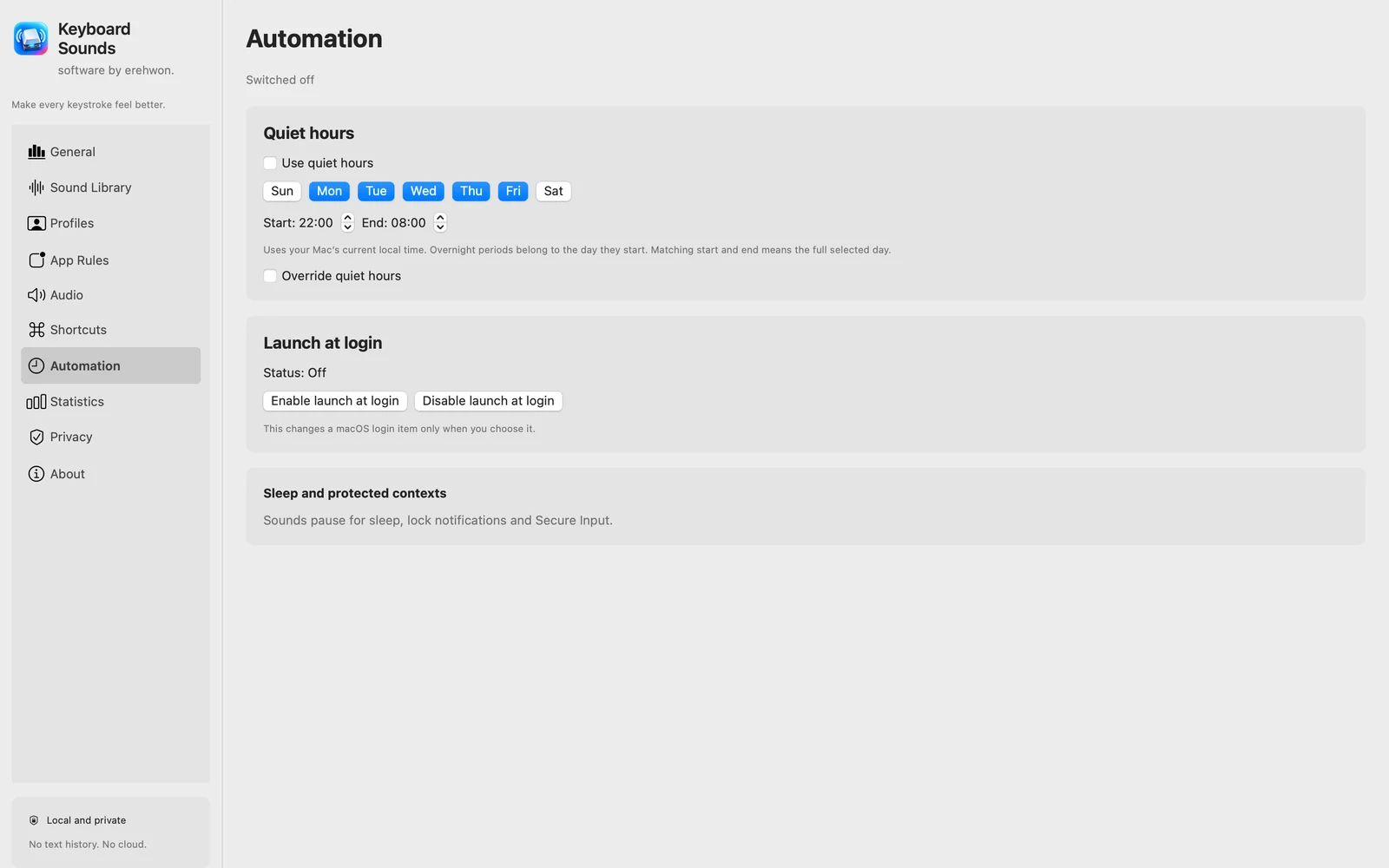
Permission/reconnect controls, keyboard shortcuts, automation preferences and aggregate statistics help explain the current state. Grant only the access you intend to use.
Use the compatibility, access and limitation information on this page when choosing a workflow. Sample screenshots illustrate the app; their records and measured results are not a scan of your own Mac.