Build documents from maintained records
Business settings, clients, products and services provide reusable information for invoices, quotes and estimates. Currency-labelled rates, tax and discounts make the document assumptions visible.
All apps / Ultimate Invoicing
Business · Mac
Prepare invoices and quotes, organise clients and review Smart Quotes drafted from customer briefs.
A$24.99
One-time purchase · AUD
Includes GST for Australian purchases.
Secure checkout with Stripe.
Downloads open after the final checkout and release checks.
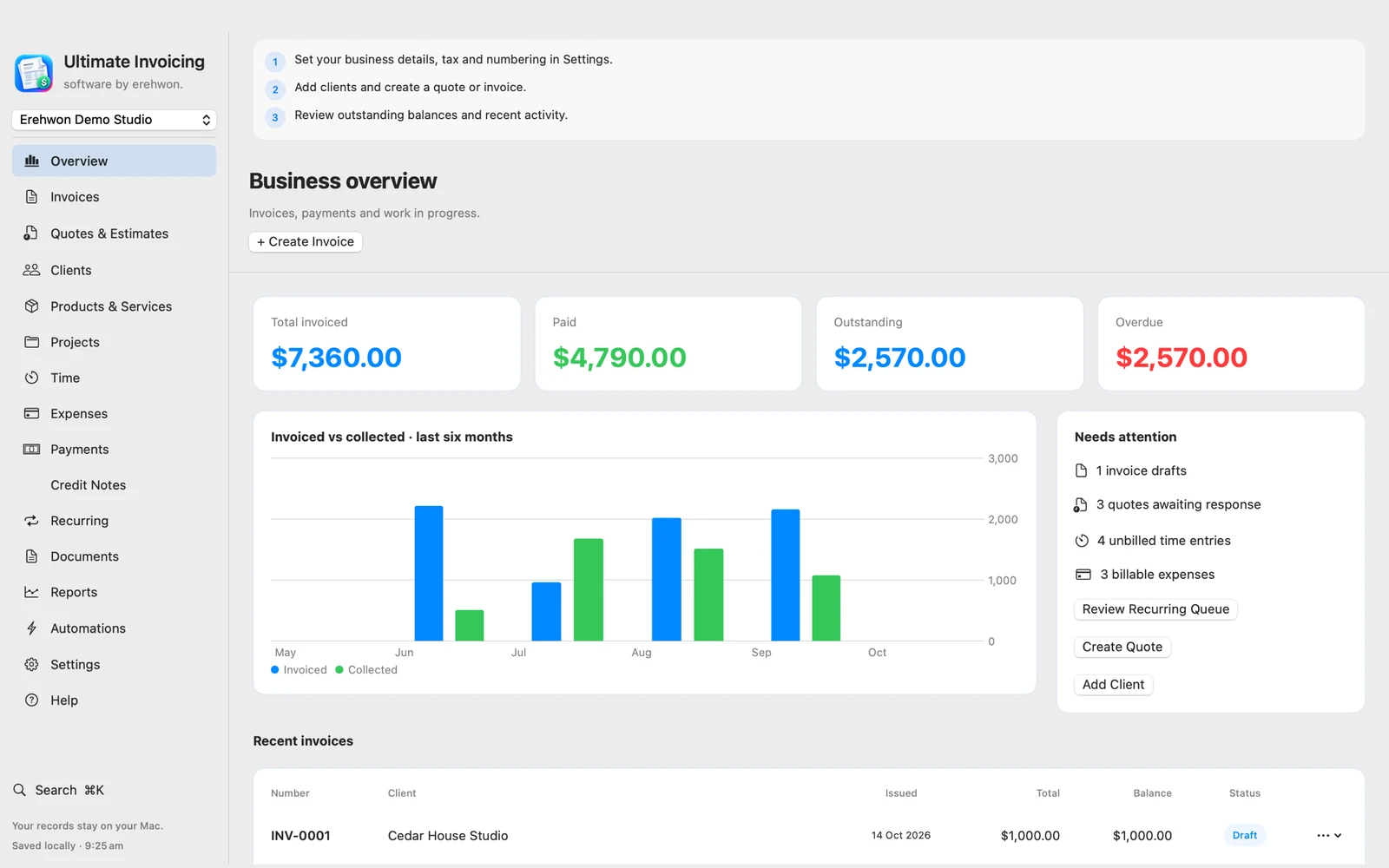
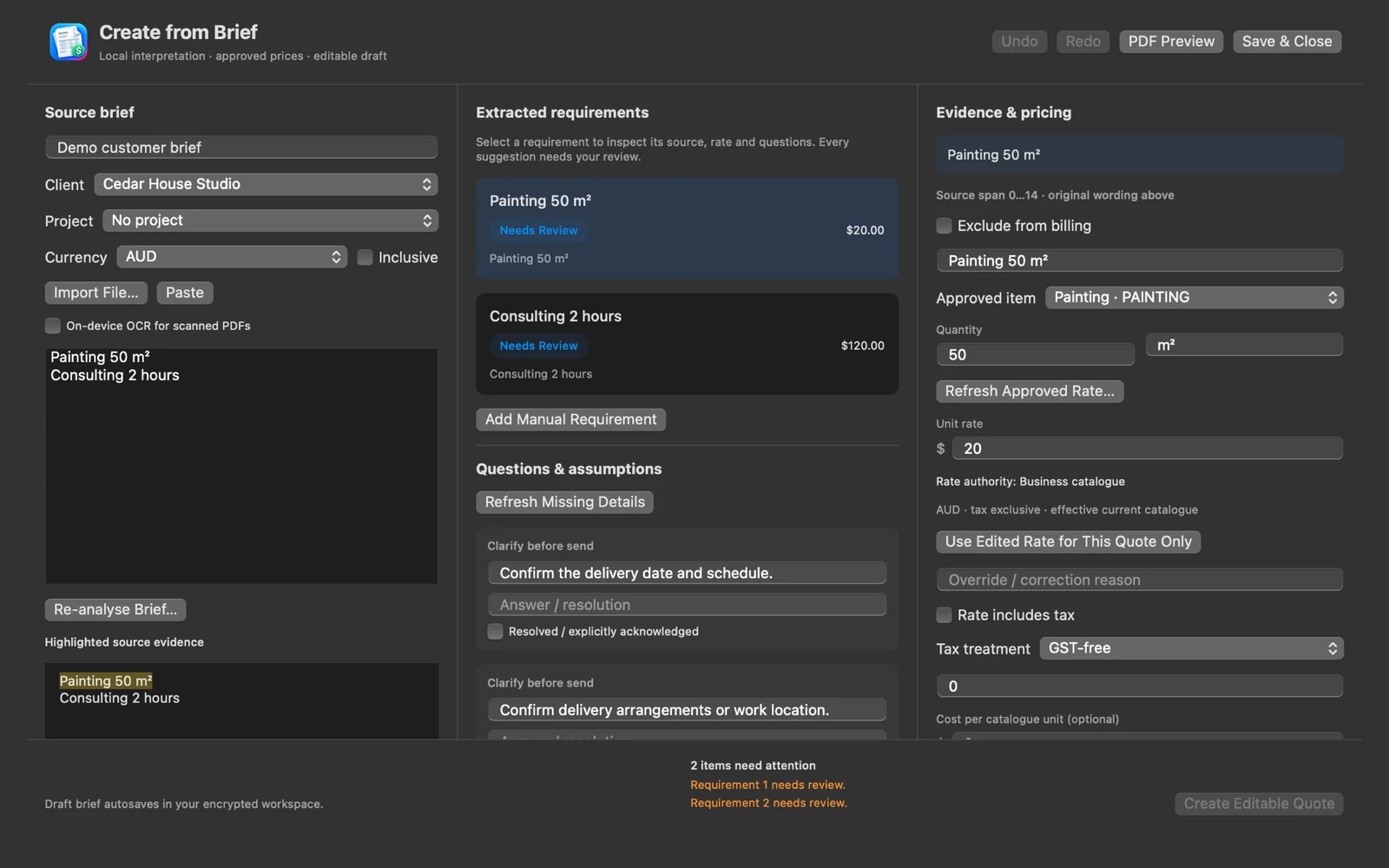
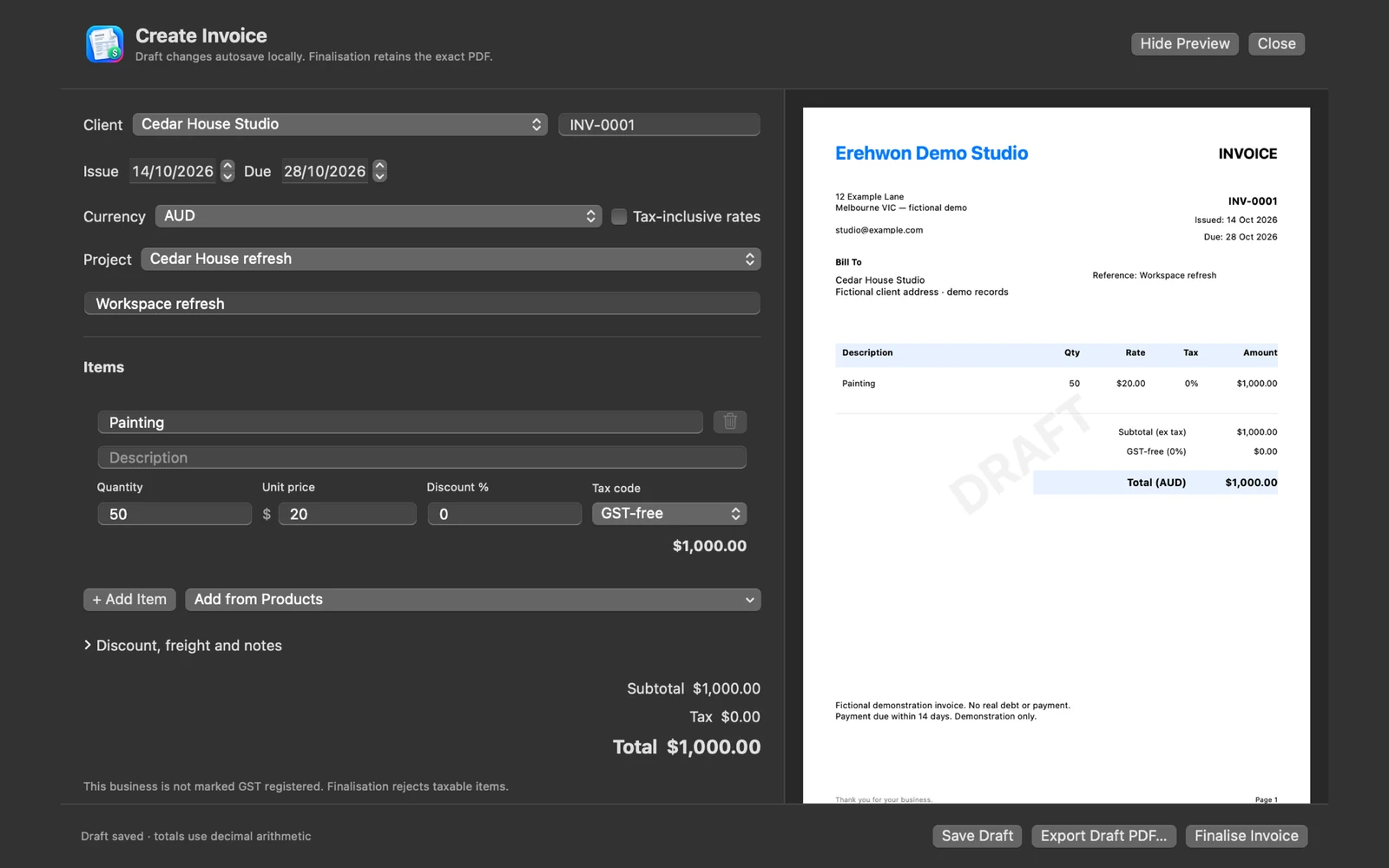
Choose your task, follow the numbered steps and review the result. You can hide instructions or turn off the startup walkthrough in Settings.
Business records are stored locally with encryption and Keychain-backed key protection. Imported briefs are processed locally. No erehwon billing backend or app analytics.
Review Smart Quote assumptions and all financial totals before finalisation. No automatic sending or online payment collection is advertised. Optional connections have separate availability and privacy requirements.
The feature list describes the available tools. These examples explain how they support a practical workflow, what to review and where the limits matter.
Business settings, clients, products and services provide reusable information for invoices, quotes and estimates. Currency-labelled rates, tax and discounts make the document assumptions visible.
Smart Quote supports reviewing requirements, proposed product matches and assumptions. Pricing history and quote templates provide context; review the commercial details before issuing a document.
Projects, time entries, expenses, payments, balances and credit notes help keep related records together. Reports and performance views reflect the records entered into the app.
Document design, PDF export, backups and supported imports/exports help maintain usable records. Business separation and numbering safeguards reduce avoidable mix-ups; retain independent financial records and backups.
Use the compatibility, access and limitation information on this page when choosing a workflow. Sample screenshots illustrate the app; their records and measured results are not a scan of your own Mac.