Prepare images for a destination
Convert supported inputs and choose available encoders, compression quality and output sizes. Format availability depends on the installed codecs and the source image.
All apps / Image Toolkit
Graphics & Design · Mac
Convert, resize and compress images with a larger before-and-after viewer, reusable pipelines and batch exports.
A$11.99
One-time purchase · AUD
Includes GST for Australian purchases.
Secure checkout with Stripe.
Downloads open after the final checkout and release checks.
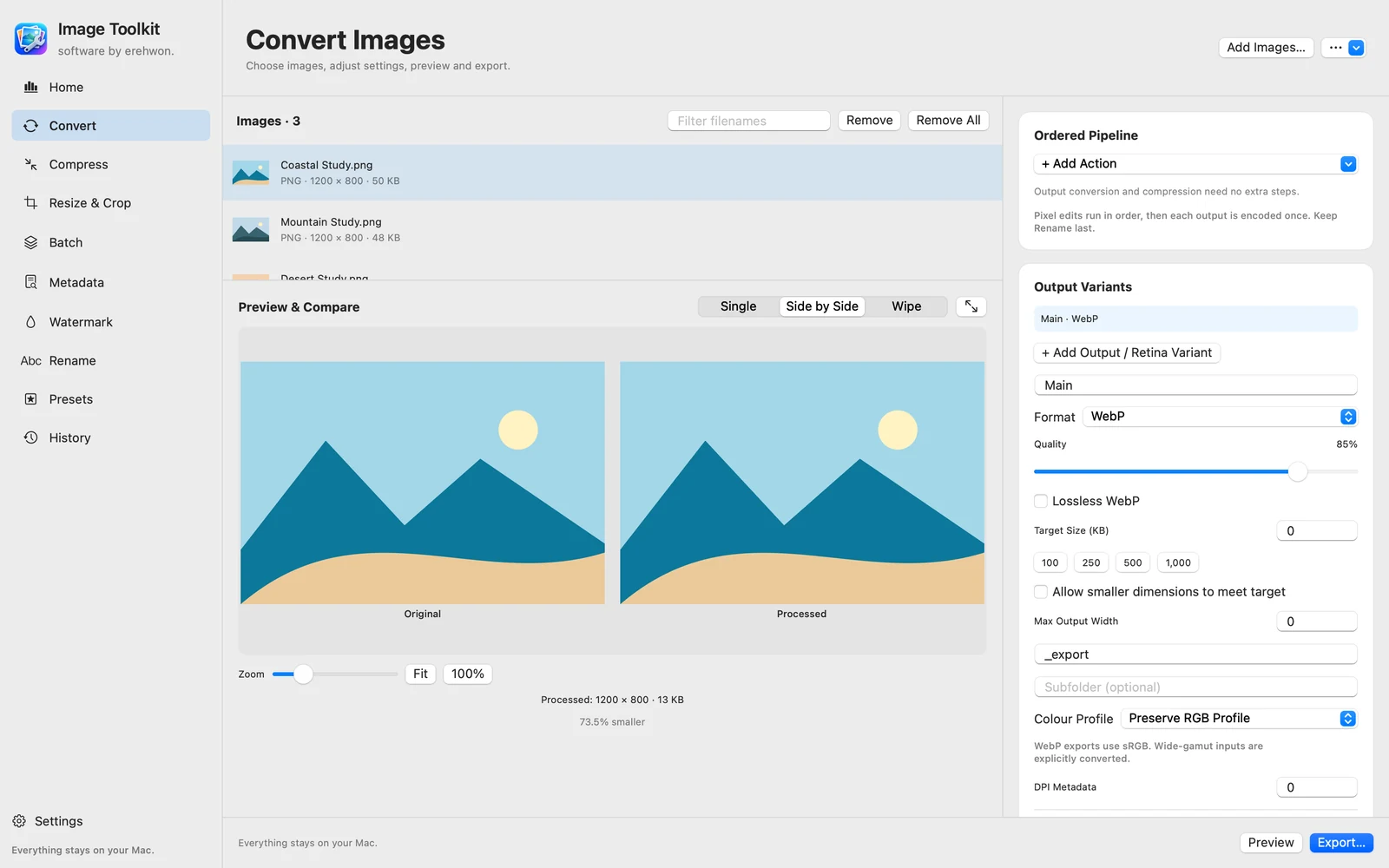
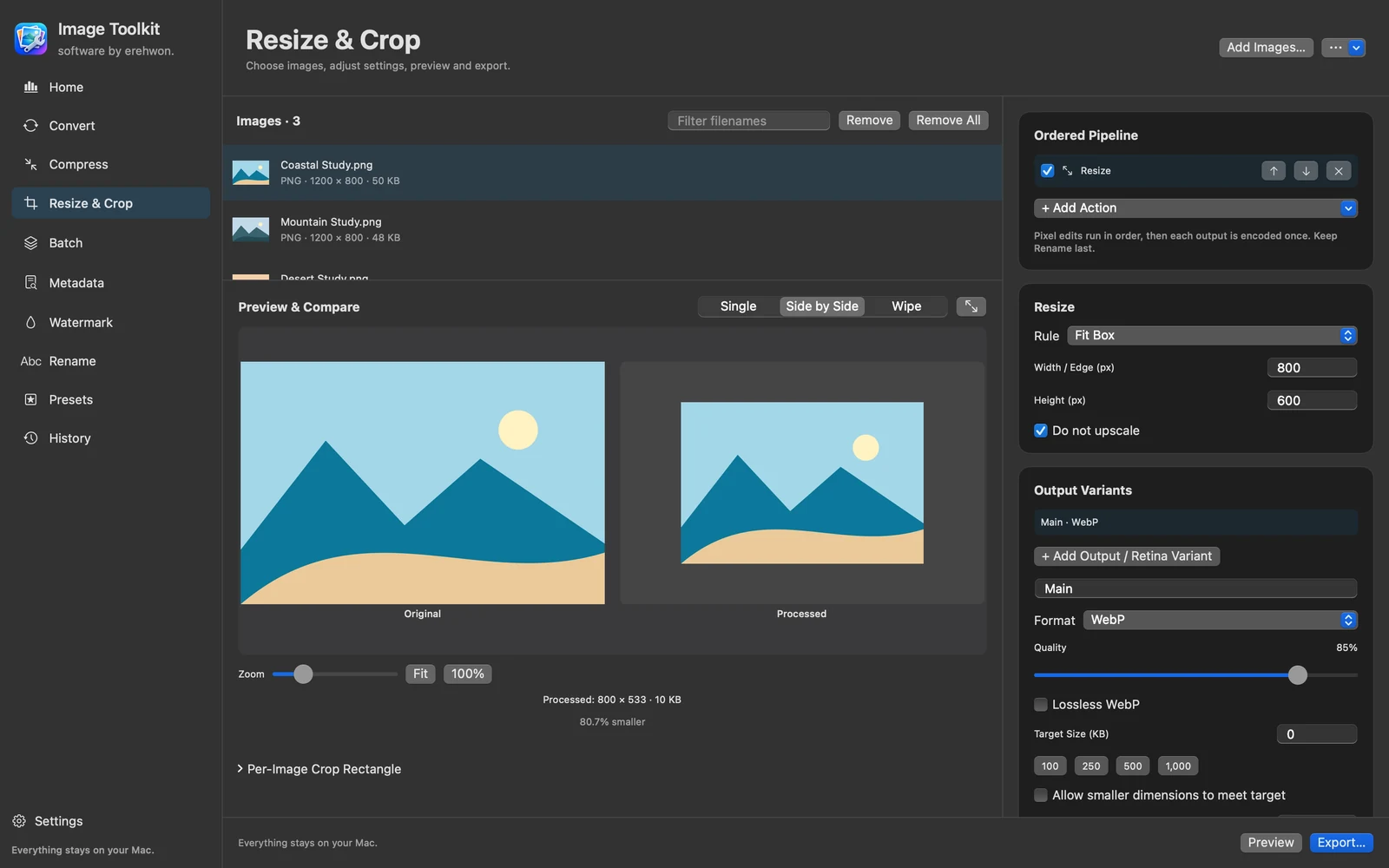
Choose your task, follow the numbered steps and review the result. You can hide instructions or turn off the startup walkthrough in Settings.
Image data and metadata processing stay on your Mac. No image uploads, app analytics or account.
Input decoding and output encoding capabilities vary by macOS format support. Preview reflects the encoded result. Original files are preserved; inspect colour, metadata and output sizes.
The feature list describes the available tools. These examples explain how they support a practical workflow, what to review and where the limits matter.
Convert supported inputs and choose available encoders, compression quality and output sizes. Format availability depends on the installed codecs and the source image.
Single, side-by-side and wipe previews, zoom controls and an expanded viewer help inspect changes. Judge the saved output at an appropriate scale rather than relying only on a thumbnail.
Combine resizing, cropping, padding, watermarks and naming operations; use presets and multiple output variants for repeated work. Review the order because it can change the result.
Use measured file sizes, per-item results and local history to review a batch. Metadata sanitisation helps prepare sharing copies; check which fields are retained for your selected format.
Use the compatibility, access and limitation information on this page when choosing a workflow. Sample screenshots illustrate the app; their records and measured results are not a scan of your own Mac.