Focus on downloads worth reviewing
Category, age and size filters help surface installers, archives, screenshots and incomplete downloads. A file being old or large is a reason to inspect it, not proof it is disposable.
All apps / Downloads Cleaner
Utilities · Mac
Find large, old, incomplete and duplicate downloads, review the evidence and choose what to keep.
A$6.99
One-time purchase · AUD
Includes GST for Australian purchases.
Secure checkout with Stripe.
Downloads open after the final checkout and release checks.
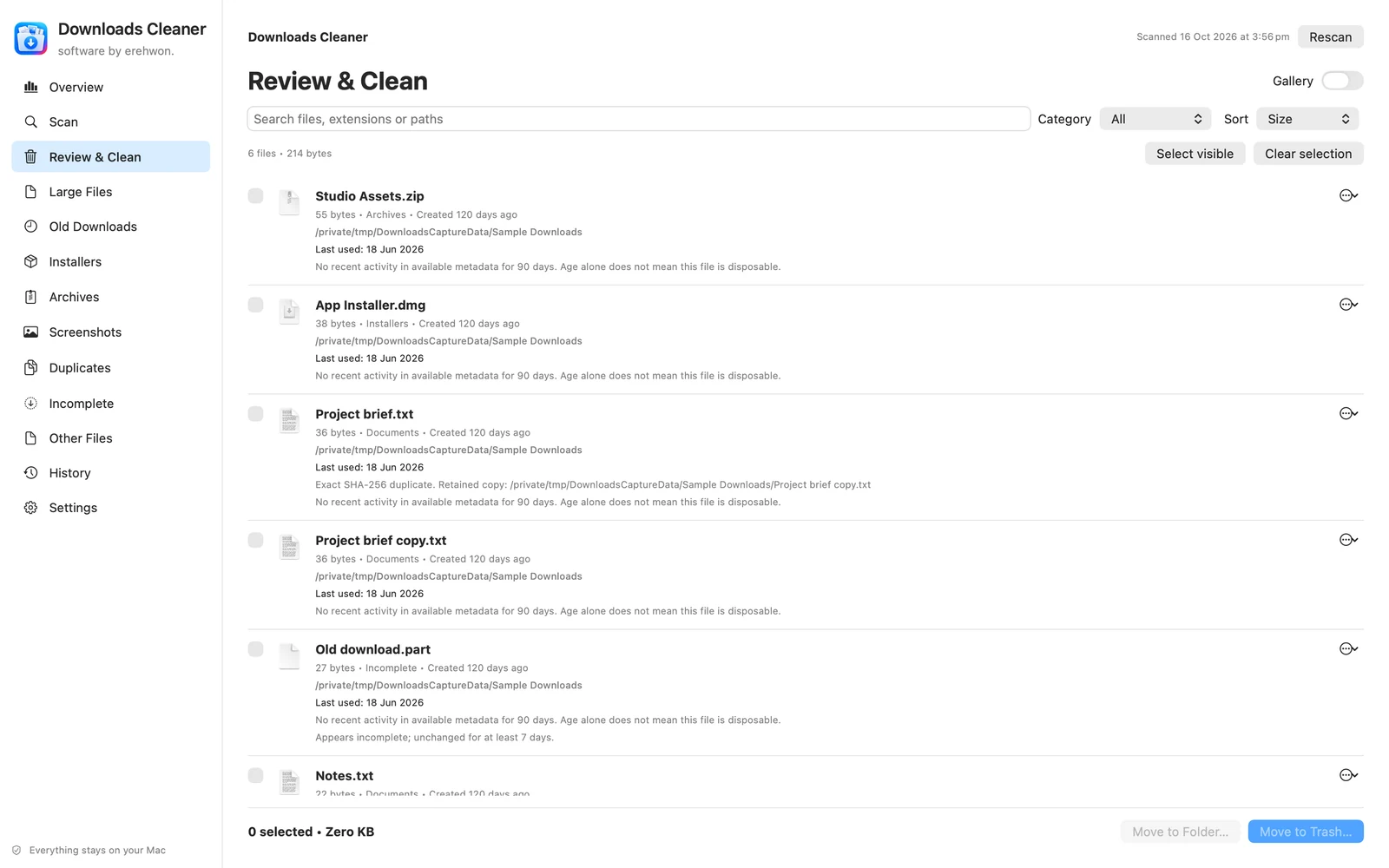
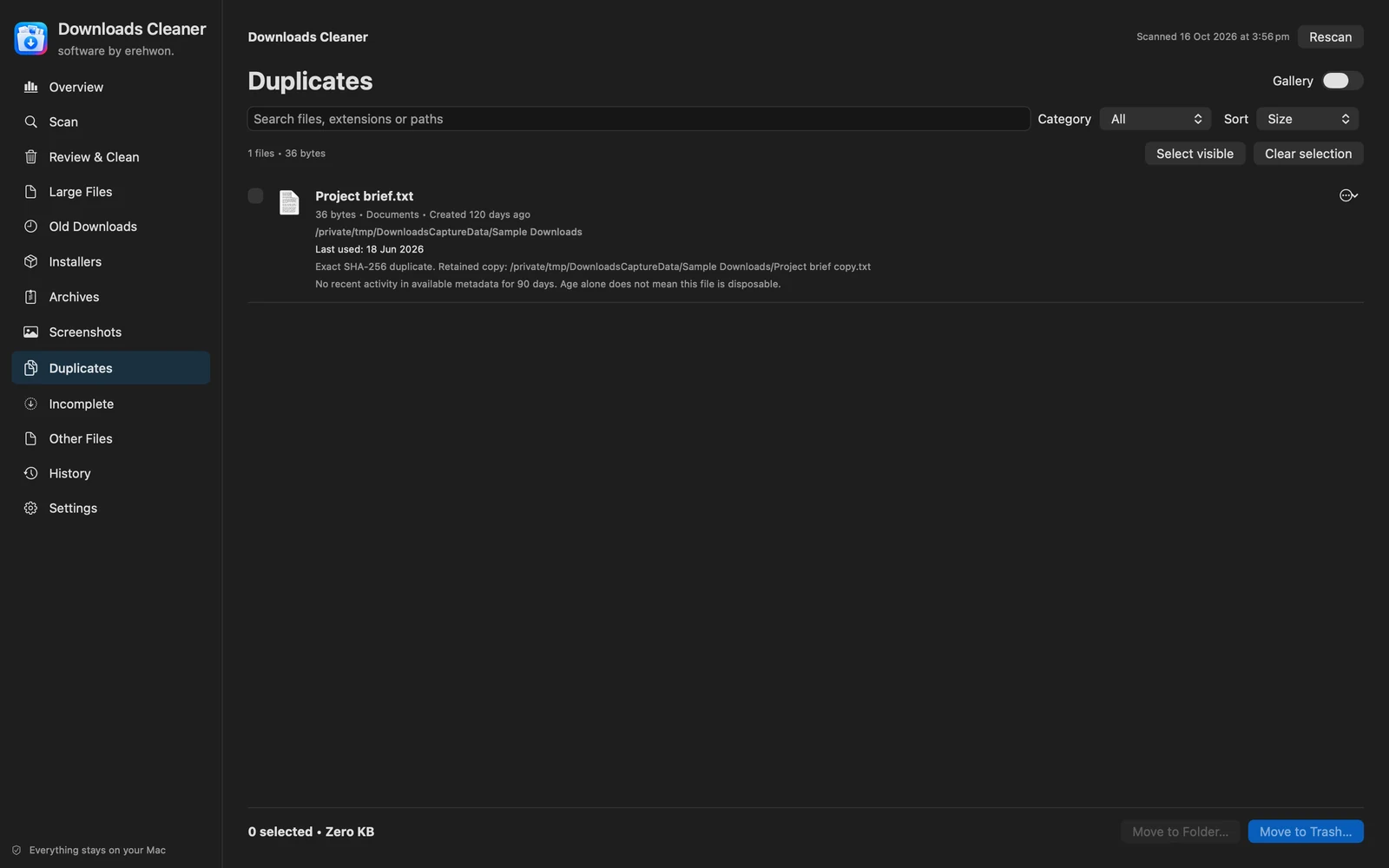
Choose your task, follow the numbered steps and review the result. You can hide instructions or turn off the startup walkthrough in Settings.
Filenames, hashes, settings and cleanup records stay on your Mac. No app analytics or account.
Names and archive-folder matches are review signals; installer versions and extraction equivalence are not verified. Recovery requires the recorded file to remain available.
The feature list describes the available tools. These examples explain how they support a practical workflow, what to review and where the limits matter.
Category, age and size filters help surface installers, archives, screenshots and incomplete downloads. A file being old or large is a reason to inspect it, not proof it is disposable.
SHA-256 checks identify exact-content duplicates. Approved retained-copy locations and revalidation help avoid treating a filename match as evidence of a backup.
Always Keep and ignored-file rules protect chosen material. Native previews and Finder reveal help you make a decision using the file itself.
Move reviewed files to Trash or a chosen folder, follow progress and inspect action history. Restoration is available only while the corresponding recovery file and required access remain available.
Use the compatibility, access and limitation information on this page when choosing a workflow. Sample screenshots illustrate the app; their records and measured results are not a scan of your own Mac.