Understand developer storage before changing it
Inspect Derived Data, caches, device support, archives and authorised projects. Logical size and allocated estimates explain different measurements and are not guaranteed cleanup savings.
All apps / Developer Cleaner
Developer tools · Mac
Understand Xcode storage, review generated developer files and protect important archives before cleanup.
A$11.99
One-time purchase · AUD
Includes GST for Australian purchases.
Secure checkout with Stripe.
Downloads open after the final checkout and release checks.
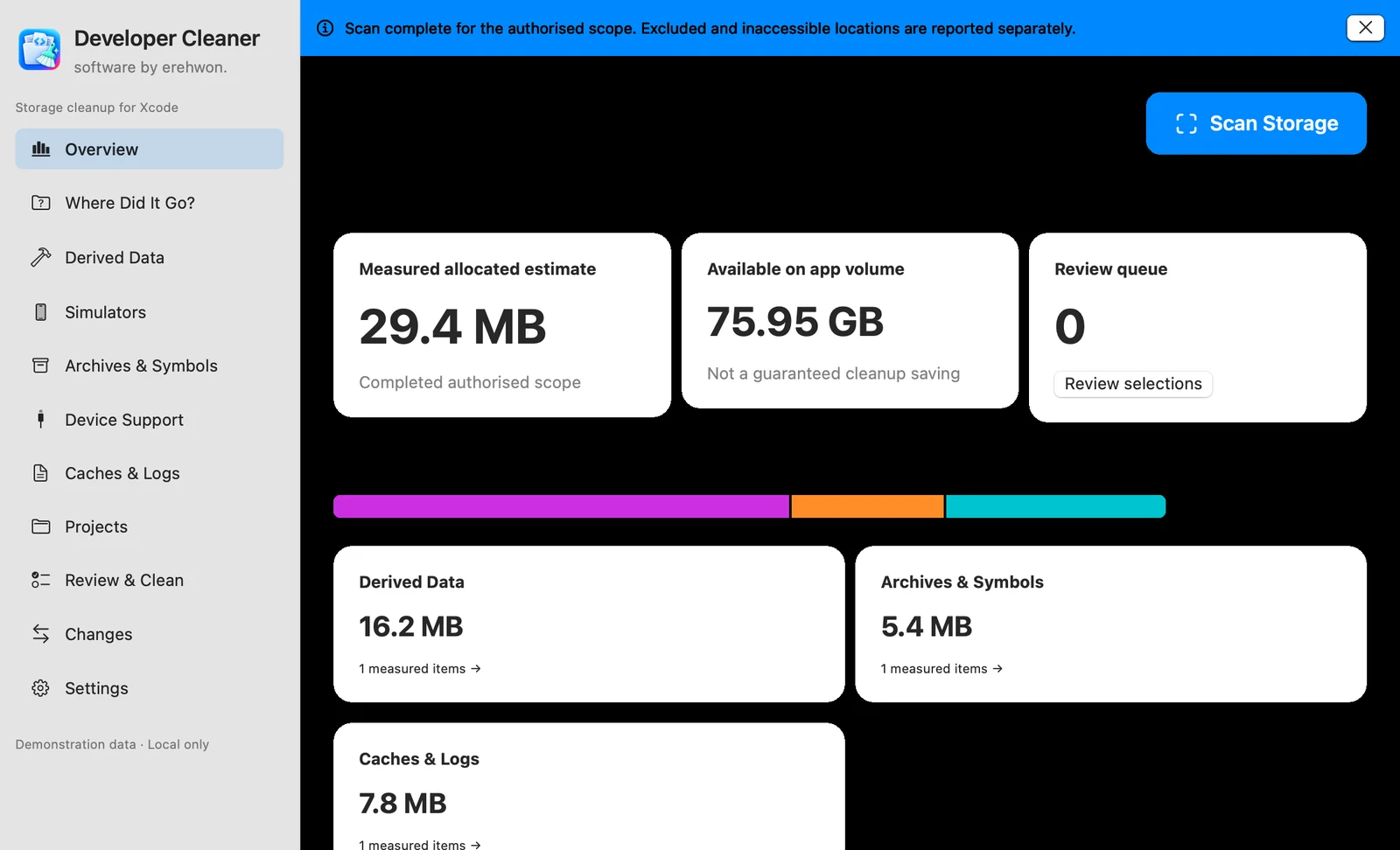
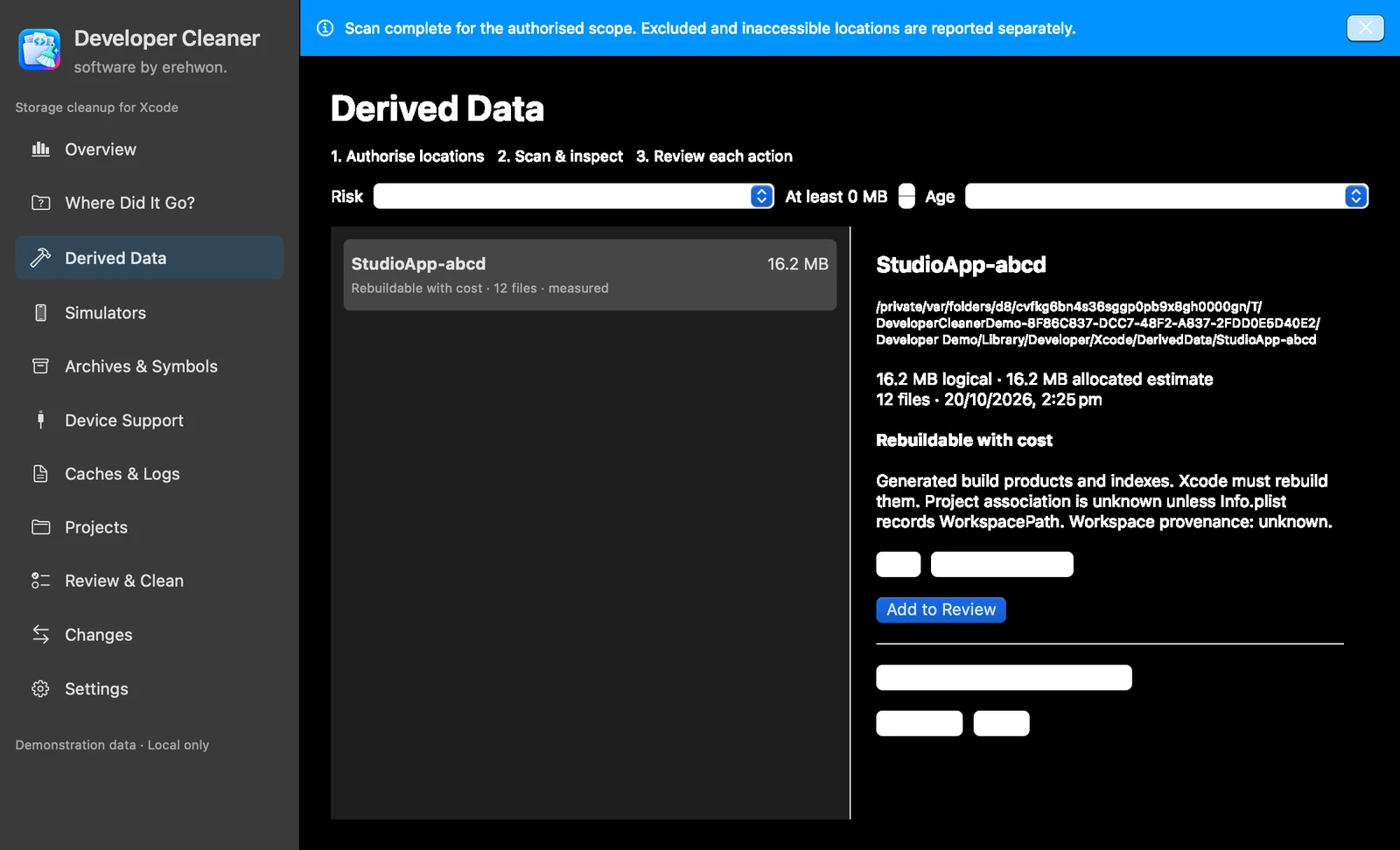
Storage analysis and scan records stay on your Mac. You choose which folders to authorise. Allocated size is an estimate and does not guarantee the amount of disk space recovered. Maintain independent backups before changing developer files.
Developer Cleaner is independently developed by erehwon and is not affiliated with or endorsed by Apple.
The feature list describes the available tools. These examples explain how they support a practical workflow, what to review and where the limits matter.
Inspect Derived Data, caches, device support, archives and authorised projects. Logical size and allocated estimates explain different measurements and are not guaranteed cleanup savings.
Archives, symbols, simulator internals, source and uncertain items remain protected from routine cleanup. Pins let you retain findings that matter to your own workflow.
Read-only authorisation is the default. Cleanup requires a suitable read/write grant, explicit selection and fresh safety checks, including active developer-tool checks.
Compare compatible complete scans, inspect receipts and export reports. Verified archive copying retains the original. Finder recovery depends on the moved item still being available in Trash.
Use the compatibility, access and limitation information on this page when choosing a workflow. Sample screenshots illustrate the app; their records and measured results are not a scan of your own Mac.