Inspect the source without writing to it
Read-only scanning examines supported content and records format and filesystem evidence. A scan cannot guarantee recovery, especially when data has been overwritten or is inaccessible.
All apps / Data Recovery
Utilities · Mac
Scan an authorised folder or mounted drive for recoverable content in existing files, or inspect a preserved disk image.
A$39.99
One-time purchase · AUD
Includes GST for Australian purchases.
Secure checkout with Stripe.
Downloads open after the final checkout and release checks.
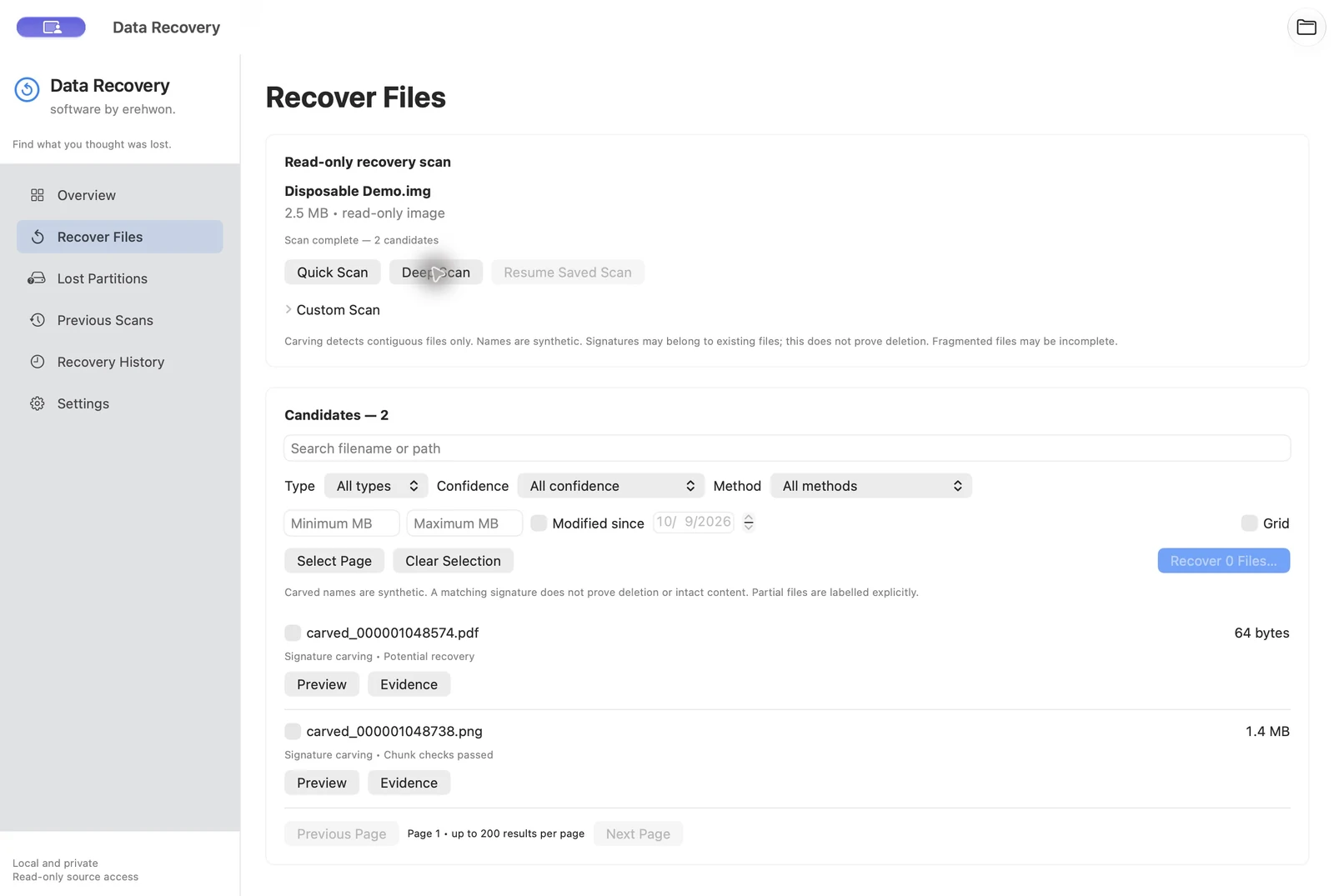
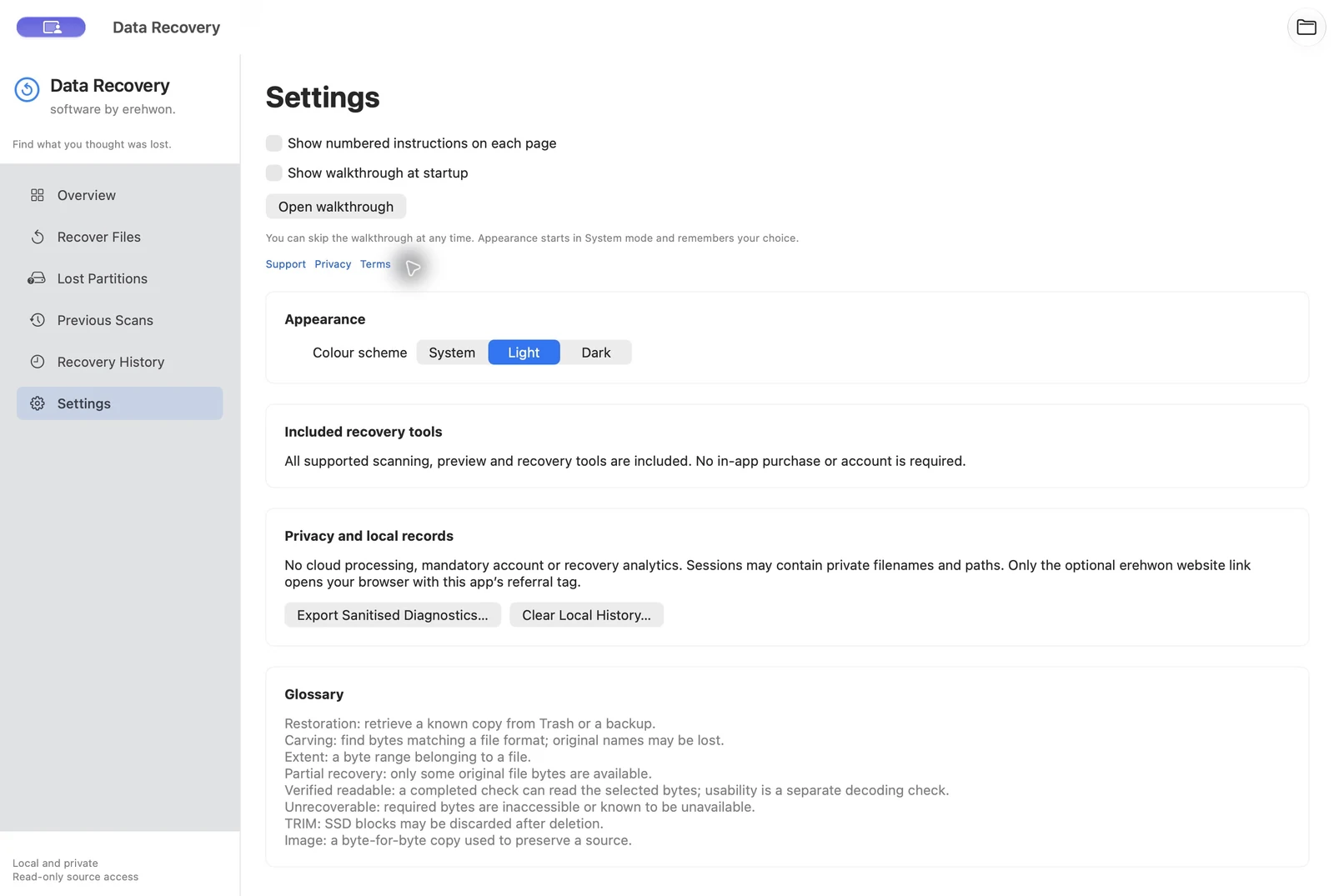
Choose your task, follow the numbered steps and review the result. You can hide instructions or turn off the startup walkthrough in Settings.
Image contents, file candidates and recovery history stay local. No app analytics or account.
This version scans existing accessible files in authorised folders or mounted drives, and raw disk-image files. Folder permission does not expose deleted files in free space. Raw external-device scanning without an image belongs to the separate website edition, which requires Developer ID signing and helper validation before release. Recovery success depends on available bytes; TRIM and encryption can prevent recovery.
The feature list describes the available tools. These examples explain how they support a practical workflow, what to review and where the limits matter.
Read-only scanning examines supported content and records format and filesystem evidence. A scan cannot guarantee recovery, especially when data has been overwritten or is inaccessible.
Supported carving, FAT32/exFAT metadata and partition-region evidence help you assess candidates. Previews and partial-result labels help distinguish a usable result from incomplete content.
Saved scans, selections and checkpoints retain the work already recorded. Source identity checks are required before a compatible scan can resume.
Choose a destination on a separate physical device to avoid writing recovered data back over the source. Review each saved result; a recognised file signature does not establish that every part of a file is intact.
Use the compatibility, access and limitation information on this page when choosing a workflow. Sample screenshots illustrate the app; their records and measured results are not a scan of your own Mac.