Choose what to record
Select system audio, a microphone or both, with supported application filtering and device selection. macOS permission must be granted for the chosen source.
All apps / System Audio Recorder
Utilities · Mac
Record Mac playback and microphone audio, review waveforms, trim recordings and export WAV or M4A copies.
A$11.99
One-time purchase · AUD
Includes GST for Australian purchases.
Secure checkout with Stripe.
Downloads open after the final checkout and release checks.
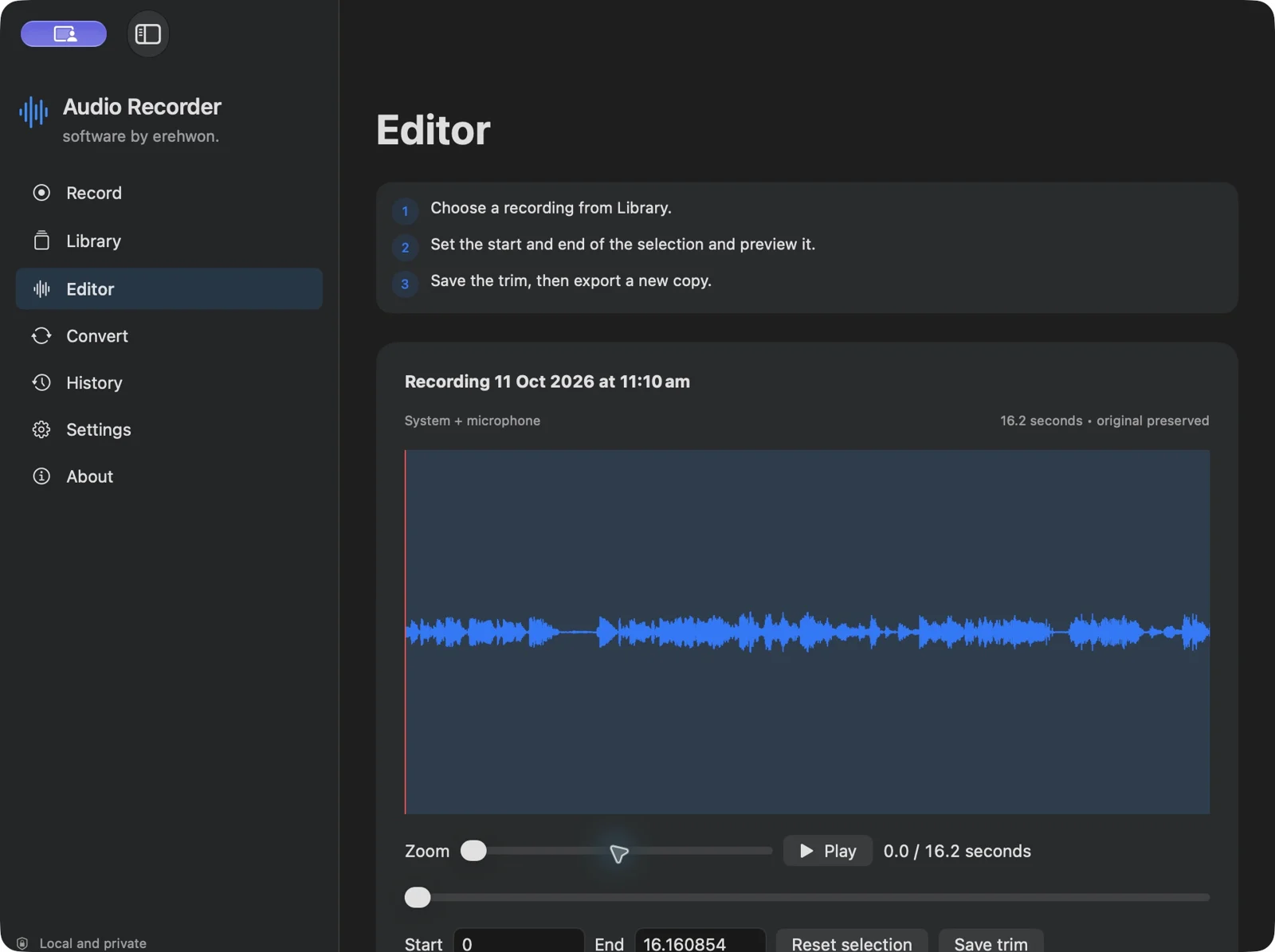
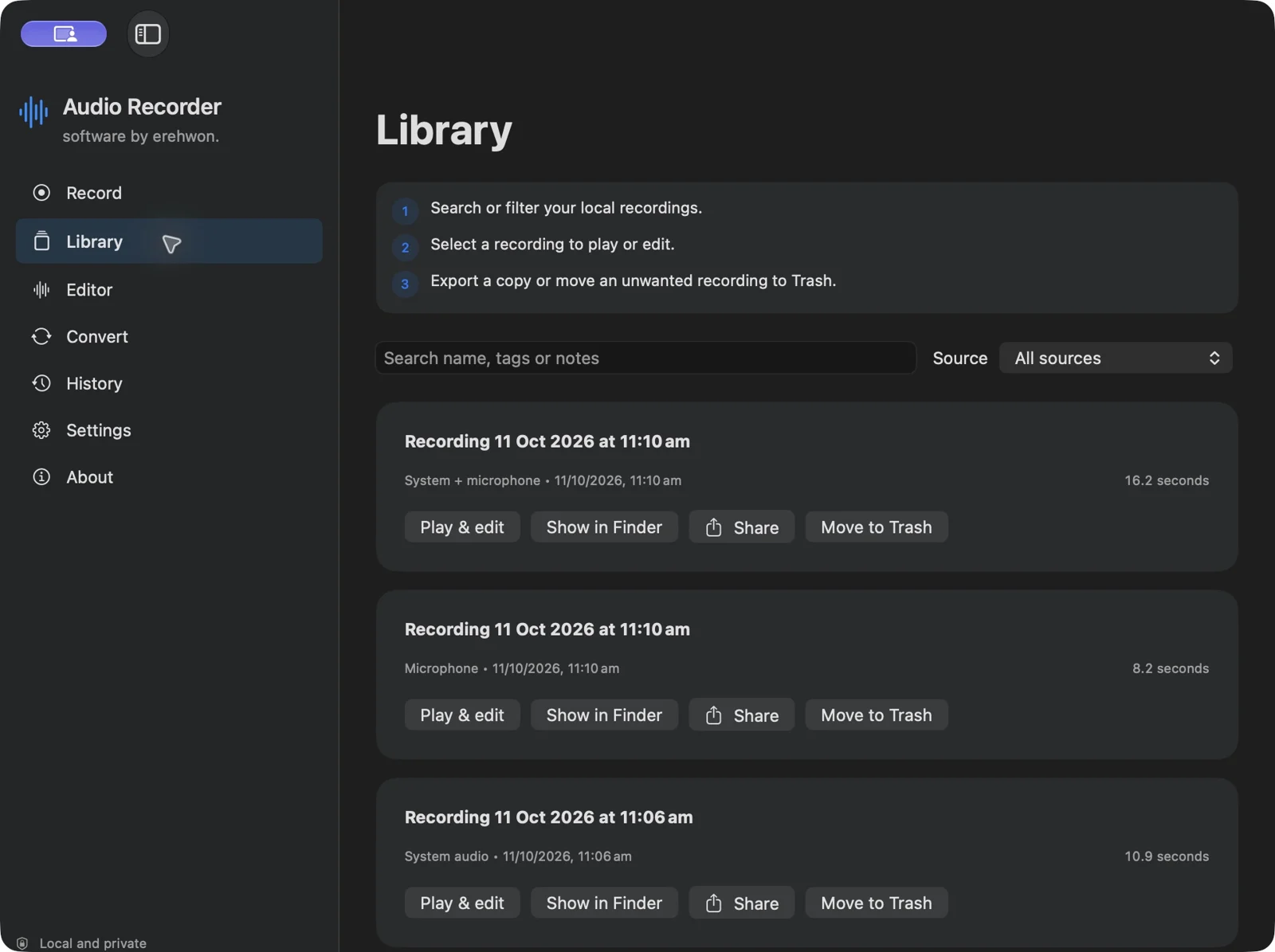
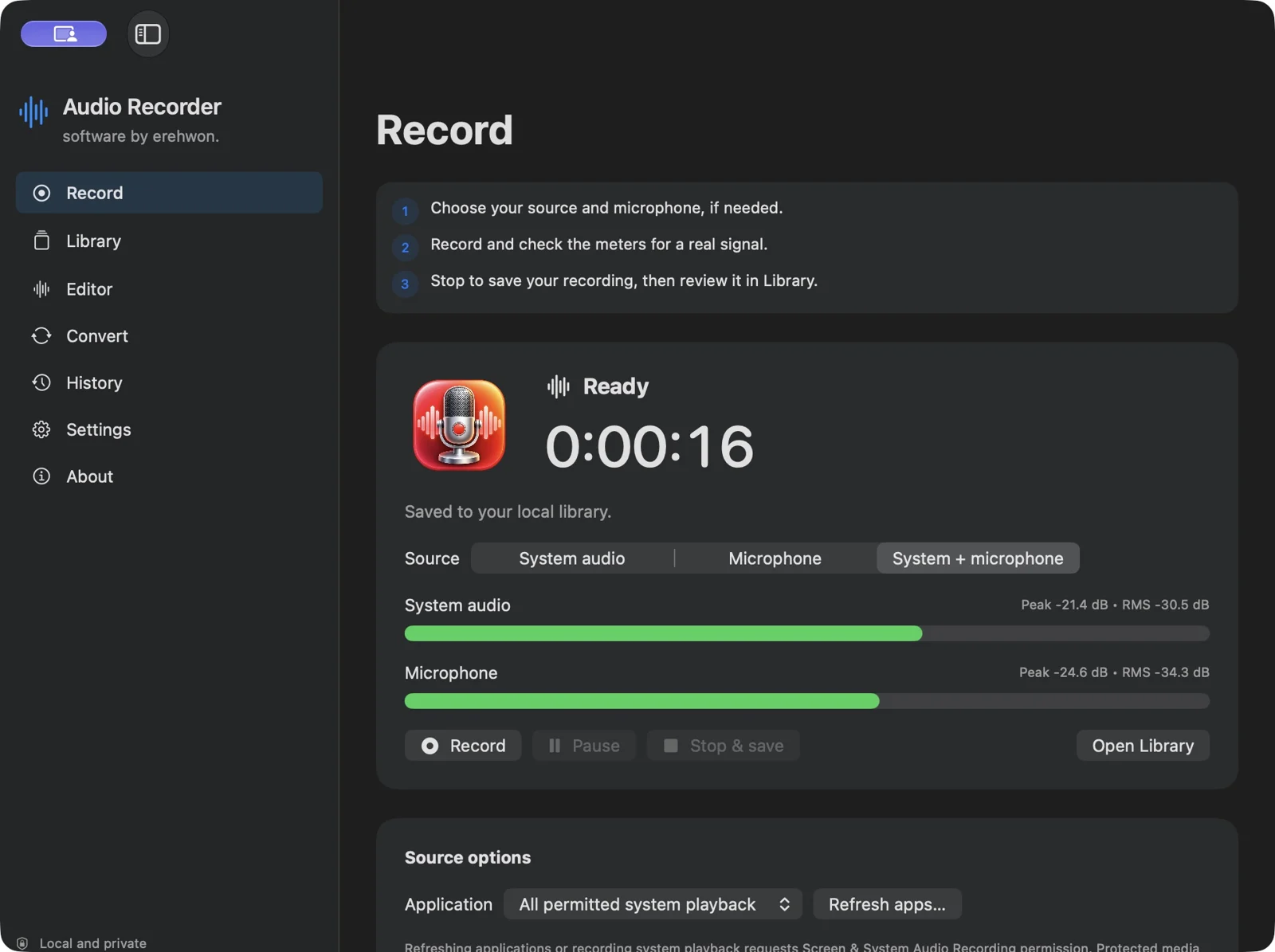
Audio recordings, notes, tags and recovery files stay on your Mac. No app analytics, account or cloud service. Microphone and system-audio capture require macOS permission. Sharing and export happen when you choose them.
Protected media may be silent. The app must remain running to record. Recovery may lose the last unfinished fragment. Original masters use CAF; exports use WAV or M4A. High combined gains can clip.
Download options are being set up for this website.
The feature list describes the available tools. These examples explain how they support a practical workflow, what to review and where the limits matter.
Select system audio, a microphone or both, with supported application filtering and device selection. macOS permission must be granted for the chosen source.
Separate peak and RMS meters, pause/resume controls, automatic stop and time-coded markers help manage a session. Check source levels before an important recording.
Search the local library using tags and notes, review the waveform and trim non-destructively. Menu-bar controls and keyboard shortcuts provide access during other work.
Prepare WAV or M4A outputs and supported batch conversions. Segmented source files and interrupted-session recovery assist recovery where usable material remains; they do not guarantee every interrupted recording can be restored.
Use the compatibility, access and limitation information on this page when choosing a workflow. Sample screenshots illustrate the app; their records and measured results are not a scan of your own Mac.